For businesses looking to mass-produce stickers or merchandise, manually designing sticker patterns can be incredibly time-consuming. However, with the advent of AI, we can now combine human design with AI assistance, greatly reducing the time needed for design. Moreover, with AI, customizing personalized stickers becomes more convenient and cost-effective. Let me demonstrate how to use AI to generate various types of stickers.
## Pixar Style
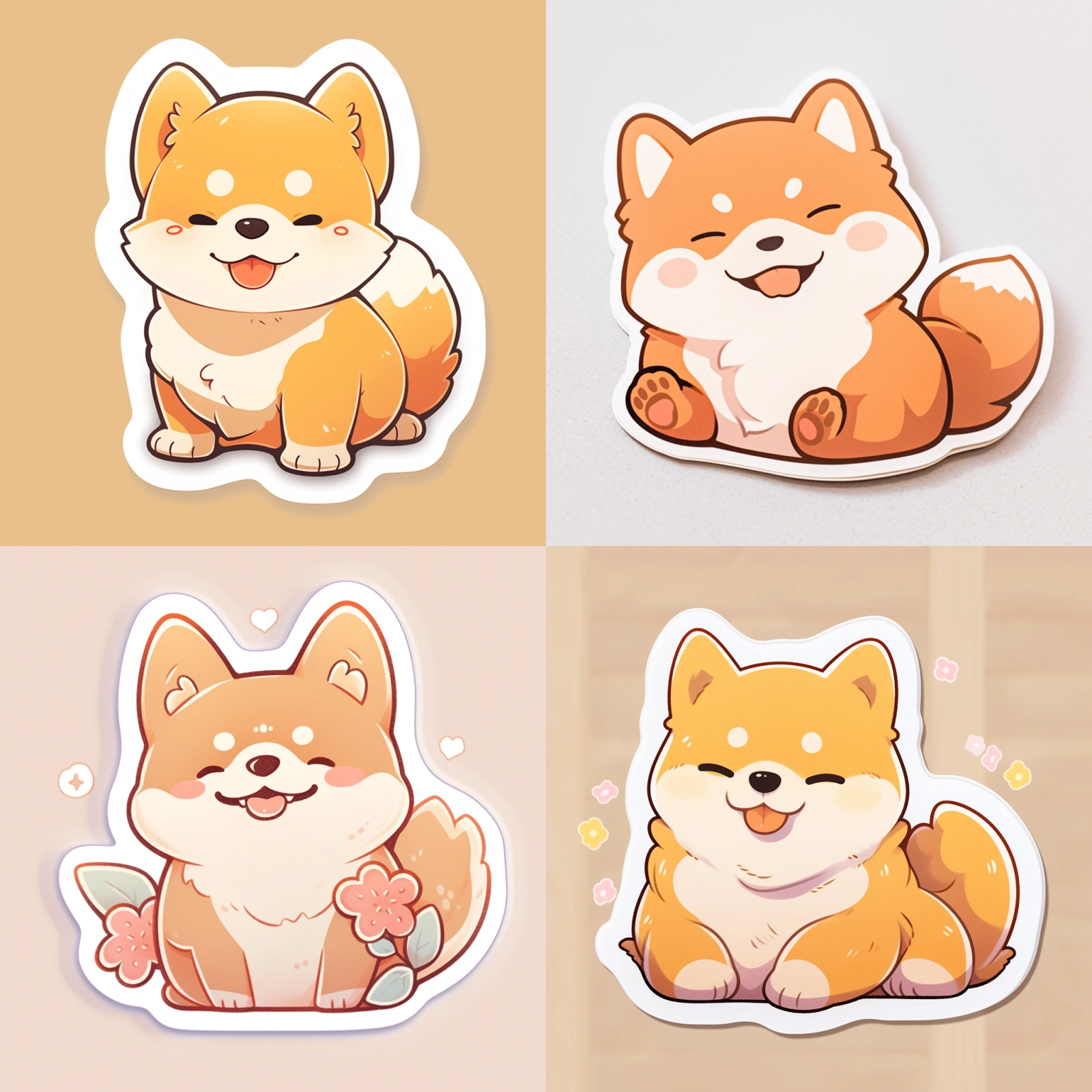
> Prompt: A sticker of a cute Shiba, cartoon, pixar style, die-cut sticker — ar 1:1 — niji 5 — s 180
This cartoon Pixar style is fresh and cute. We can add these two descriptors when generating chibi characters or objects.
## Watercolor
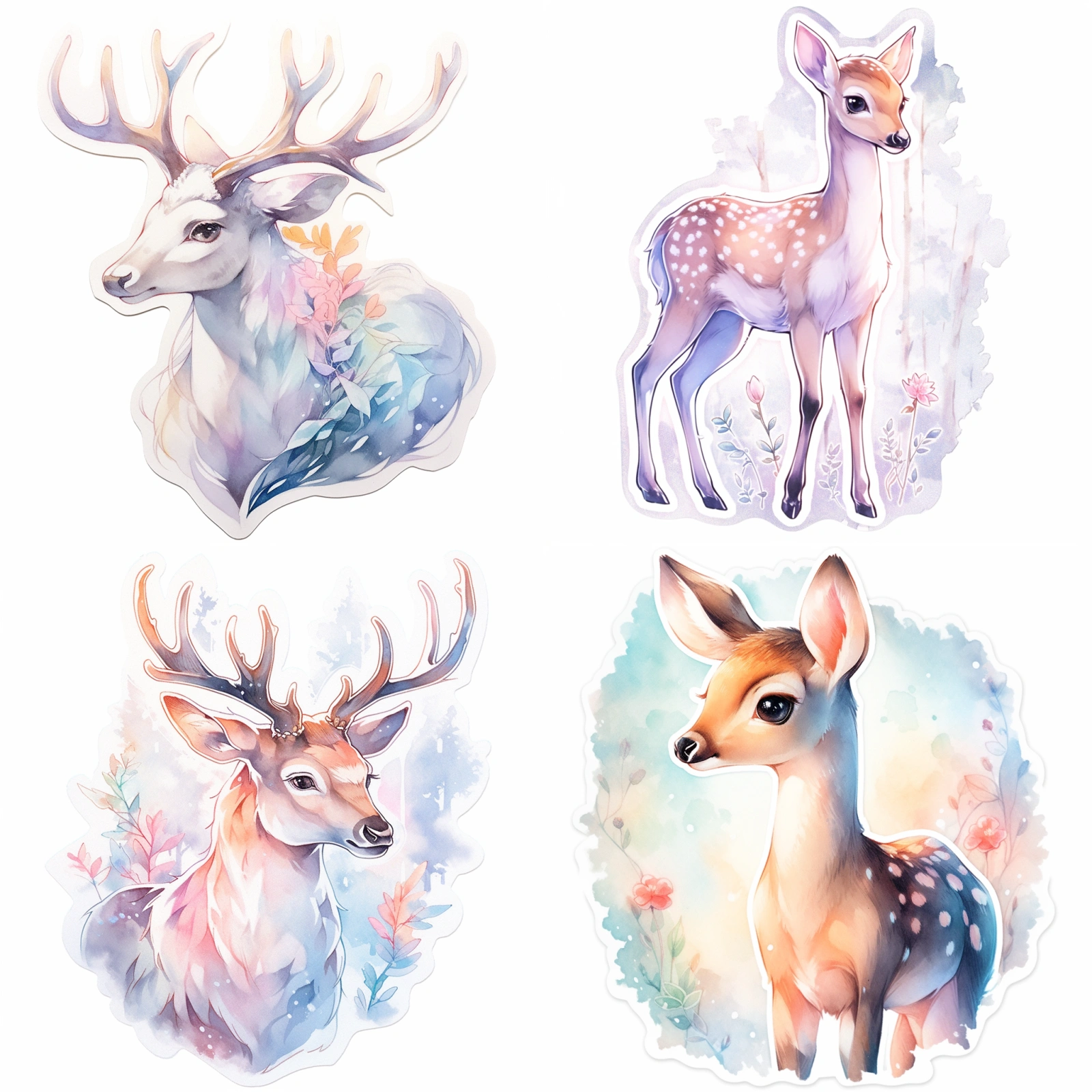
> Prompt: A sticker of one deer, watercolor, dreamy pastel color — ar 1:1 — niji 5 — s 180
By adding watercolor style descriptors, the entire image’s colors become low-saturation, and the colors are softer, producing a flowing gradient effect.
## Whimsical
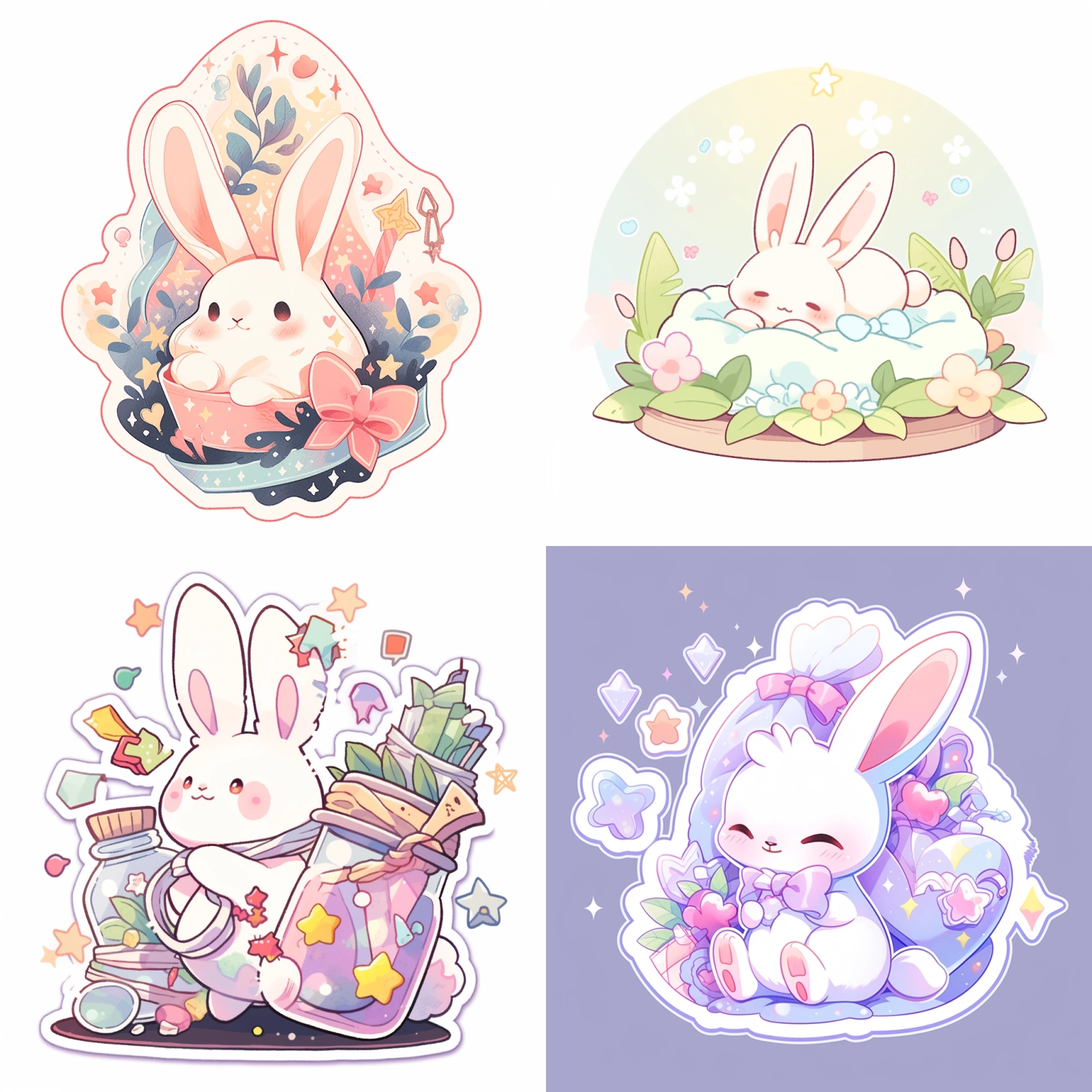
> Prompt: A sticker design of a bunny, whimsical and magical — ar 1:1 — niji 5 — s 180
Adding whimsical elements introduces more elements to the image, enriching and warming the scene.
## Cyberpunk Style
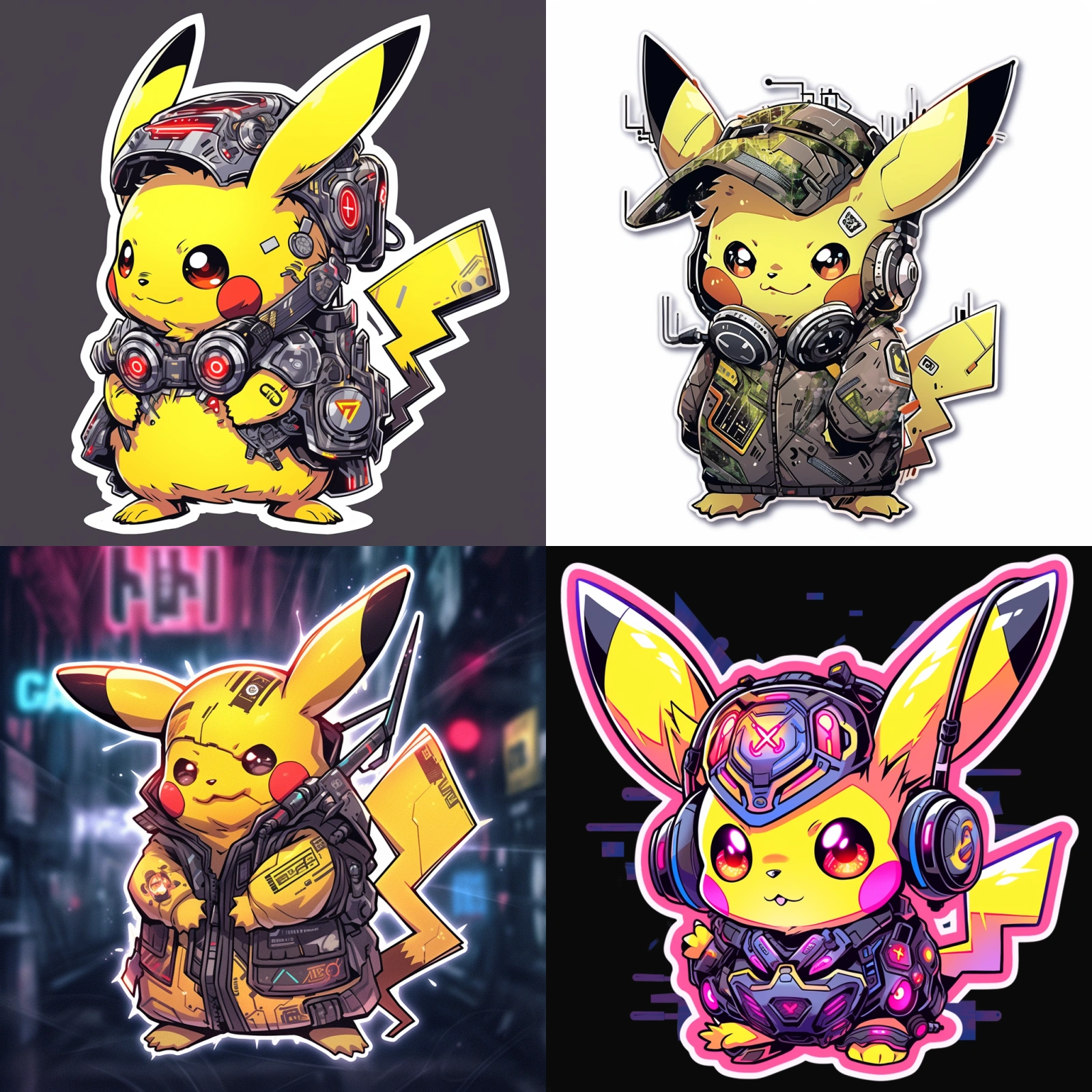
> Prompt: A sticker of Pikachu, cyberpunk trashcore style — ar 1:1 — niji 5 — s 180
After adding the cyberpunk style, Pikachu appears with some mechanical elements. If you want to create a fusion with other anime characters, you can add style descriptors with strong characteristics.
## Candy
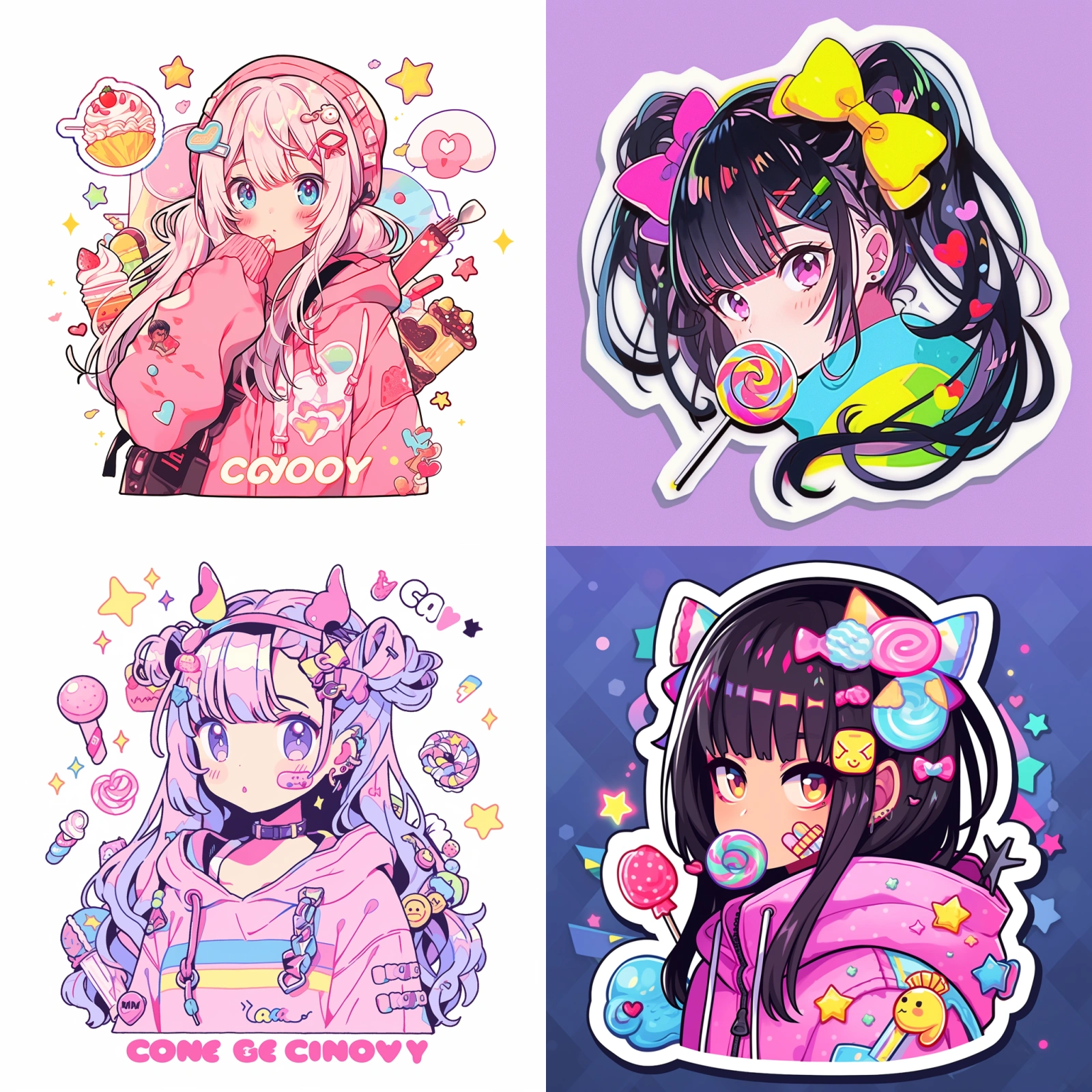
> Prompt: A sticker of a anime girl, candycore art style — ar 1:1 — niji 5 — s 180
We can also add other elements to the image. Here, I added a candy style, and the entire image presents colors in a candy-like palette.
## Iridescent Illuminating Style
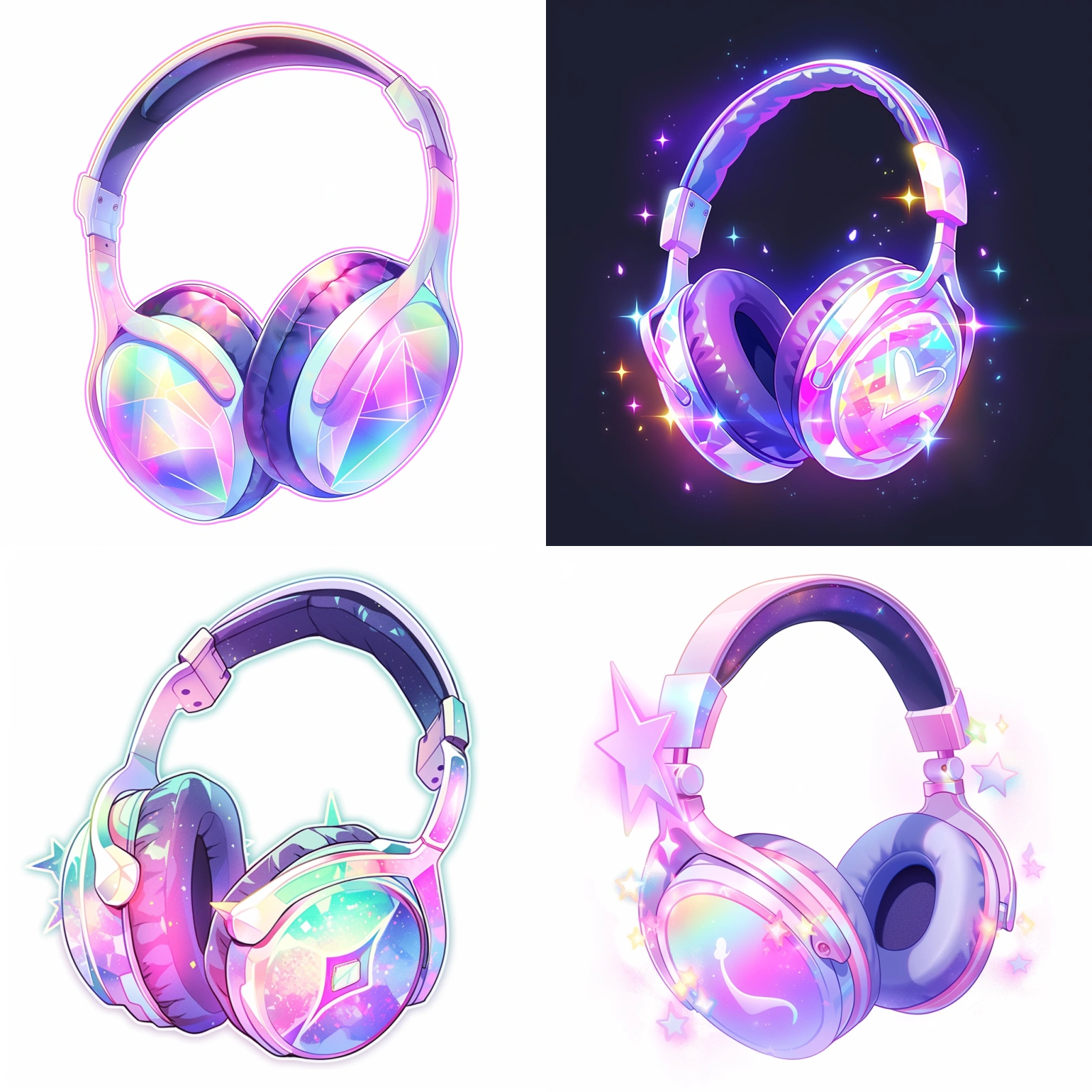
> Prompt: A sticker of a headphone, iridescent illuminating style — ar 1:1 — niji 5 — s 180
The iridescent illuminating style can make an object’s inherent color present a rainbow gradient. You can try this with various other objects to transform them into rainbow colors.
## Pop Art
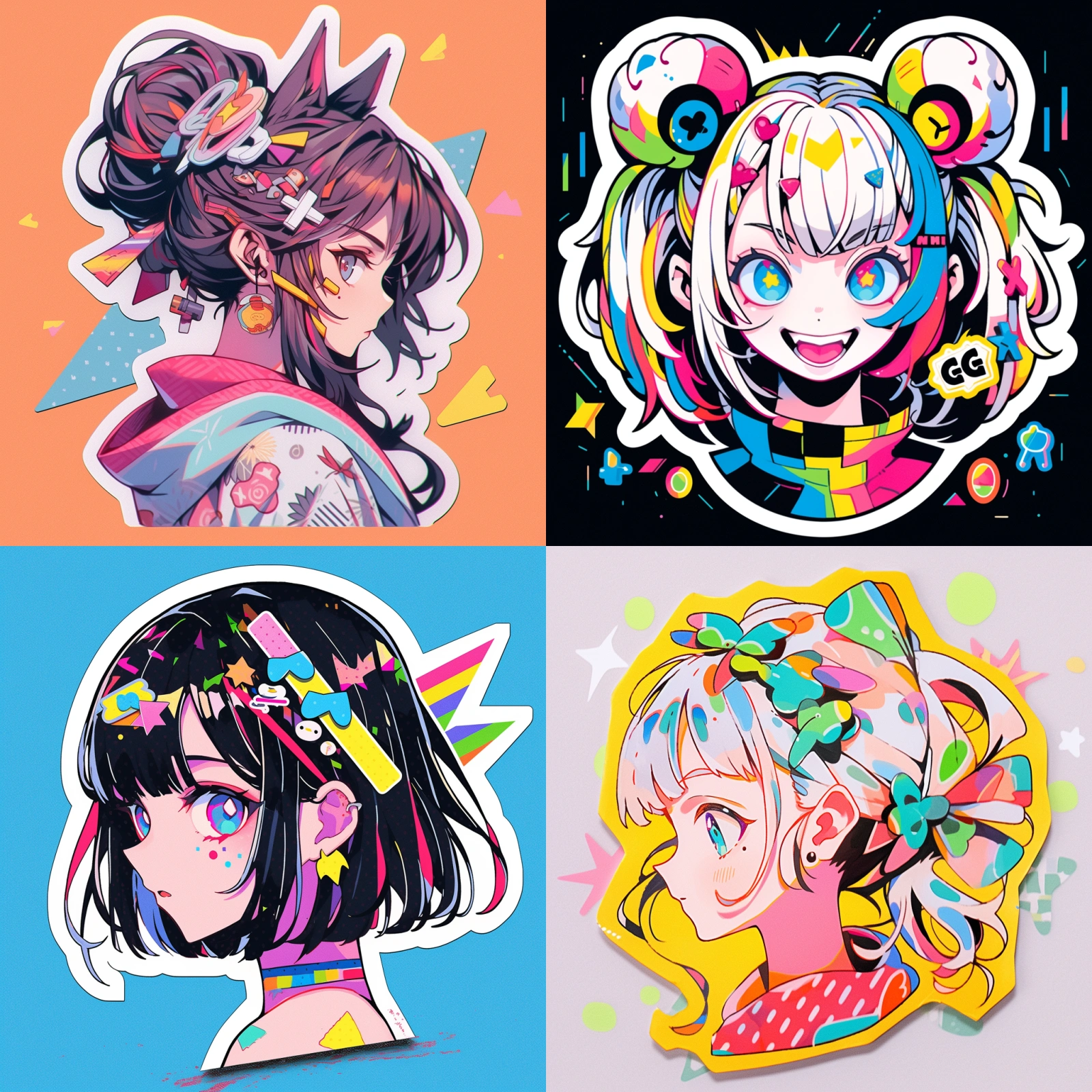
> Prompt: A sticker of an anime girl, pop art style — ar 1:1 — niji 5 — s 180
Pop art works are usually vibrant in color with simple compositions. After adding this descriptor, the colors in the image become more vivid, and the color saturation increases.
## Vintage Style
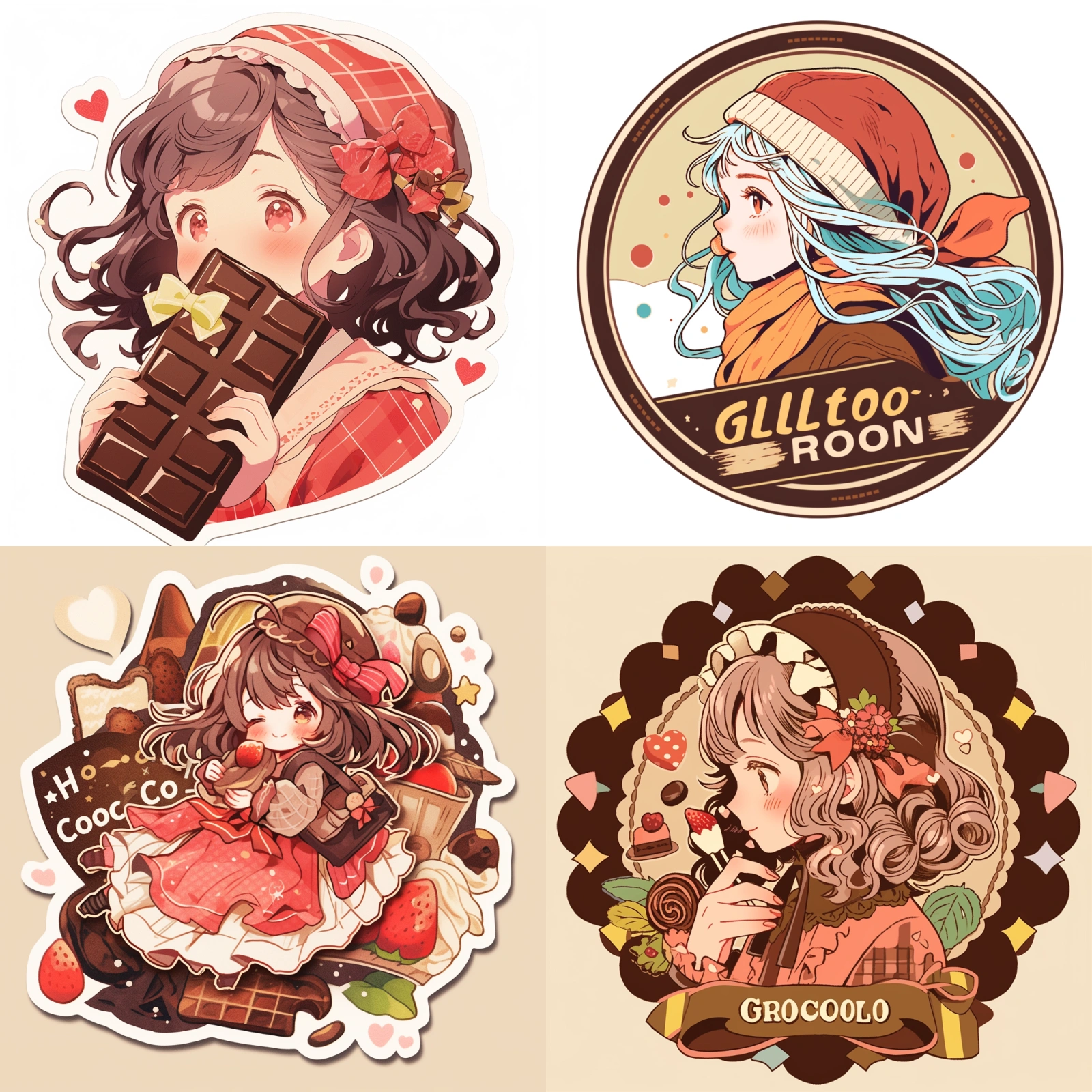
> Prompt: A sticker of a girl with chocolate, Vintage retro style — ar 1:1 — niji 5 — s 180
Vintage colors are often softer, with an overall tone that feels faded, such as light pink or pale yellow.
## Gothic Anime Style
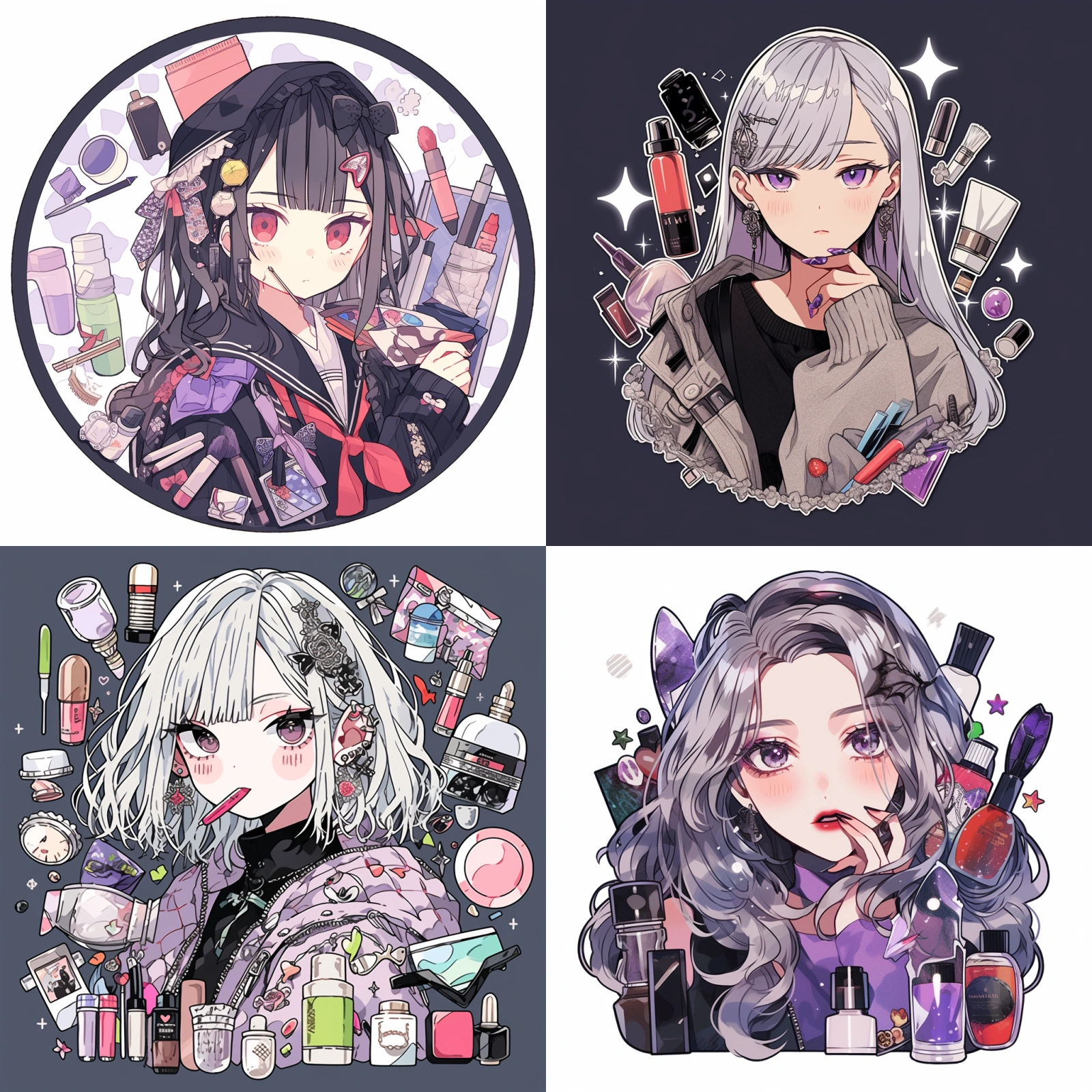
> Prompt: A sticker of a girl with cosmetics, Gothic anime style — ar 1:1 — niji 5 — s 180
Gothic style images feature more details, and the decorative feel of the image is stronger.
## Sticker Packs
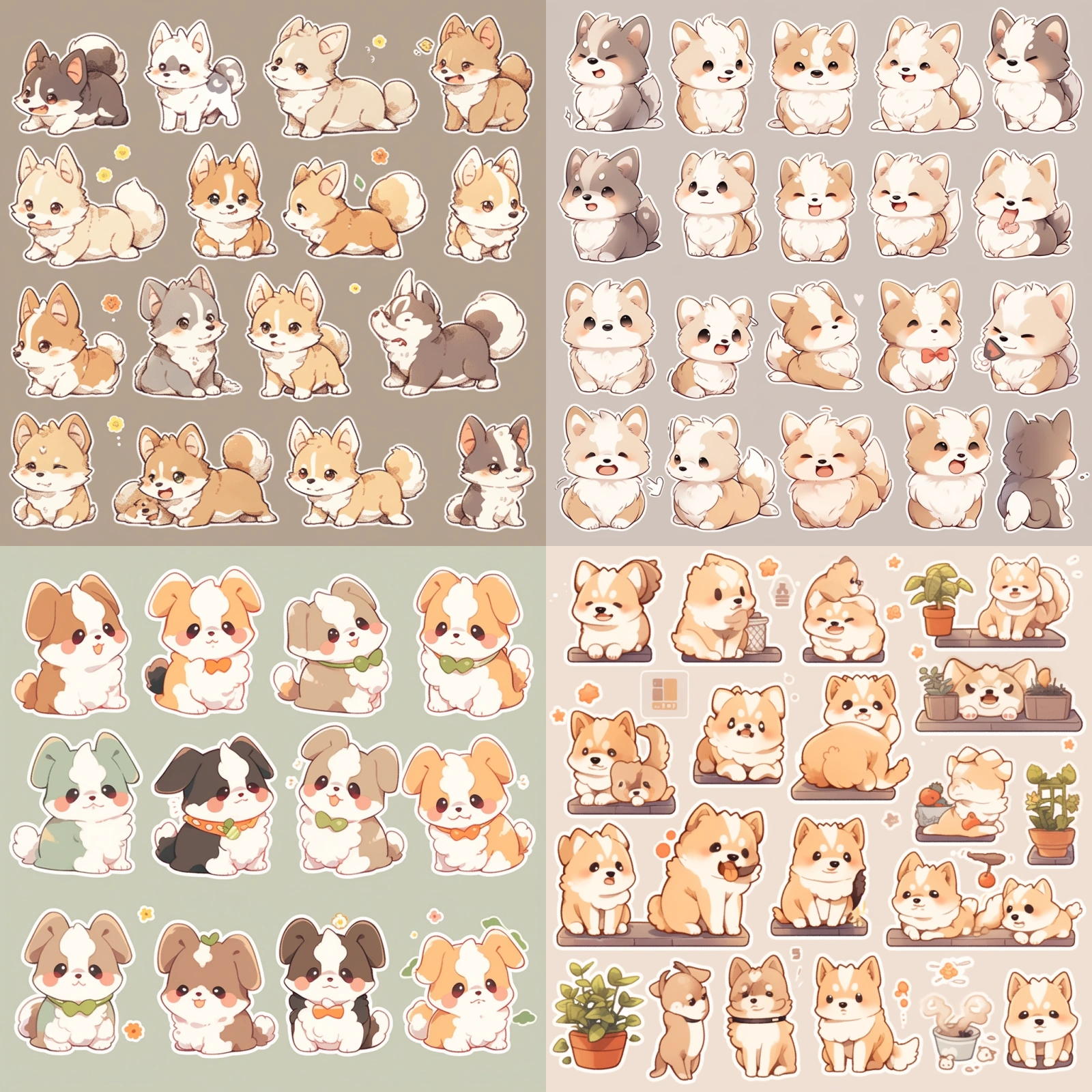
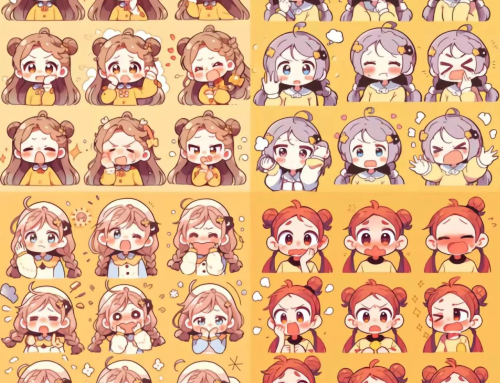
> Prompt: Cute puppy sticker pack, with white border, knolling layout, harmonious colors
If you want to generate many similar objects or patterns in one image, we can add the “sticker pack” descriptor. It will generate the same subject in different poses and actions.
## Food and Drink
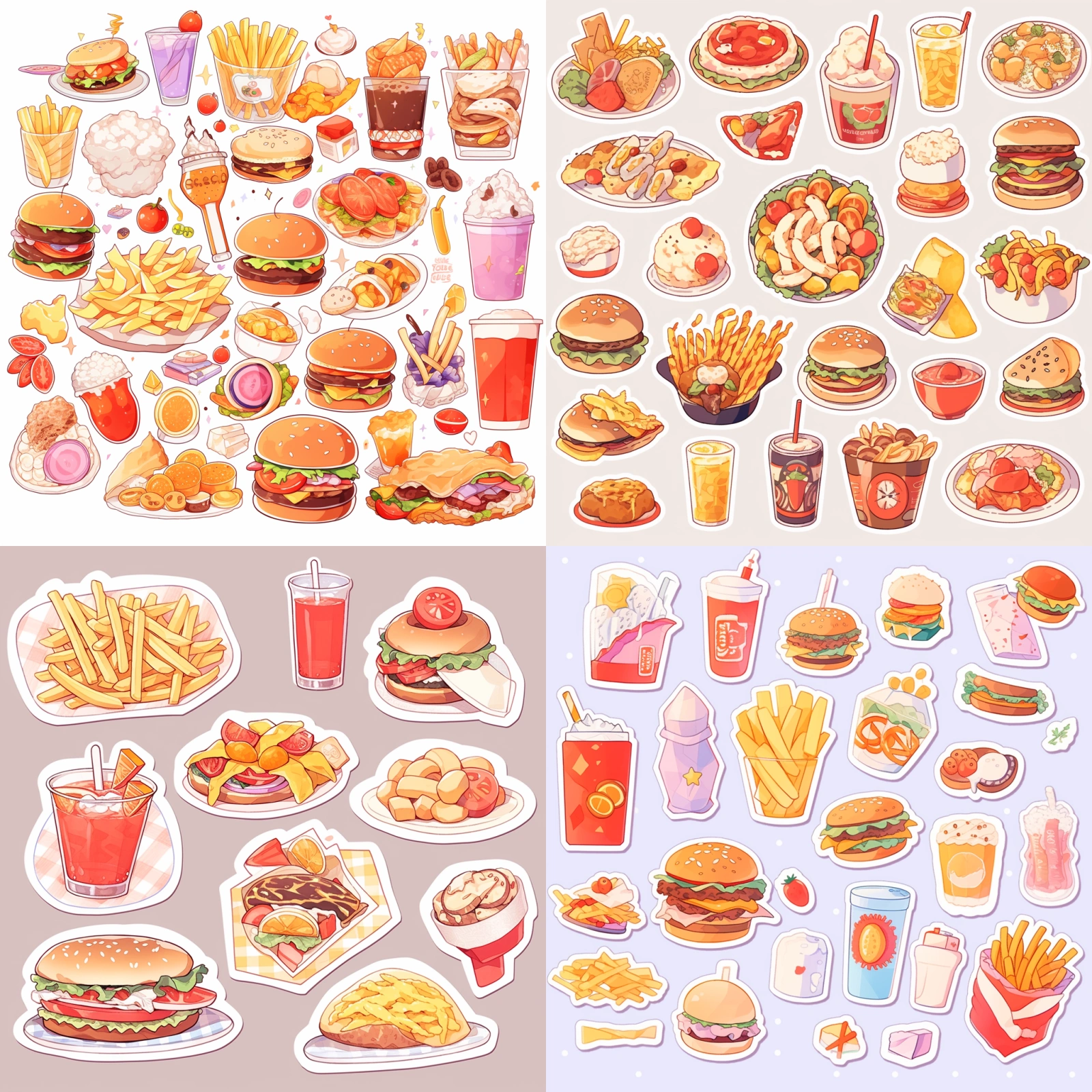
> Prompt: Fast food sticker pack, knolling layout, with white border, harmonious colors
Besides character actions, we can also use food or buildings as the main subject to generate anime stickers.
## Alice in Wonderland
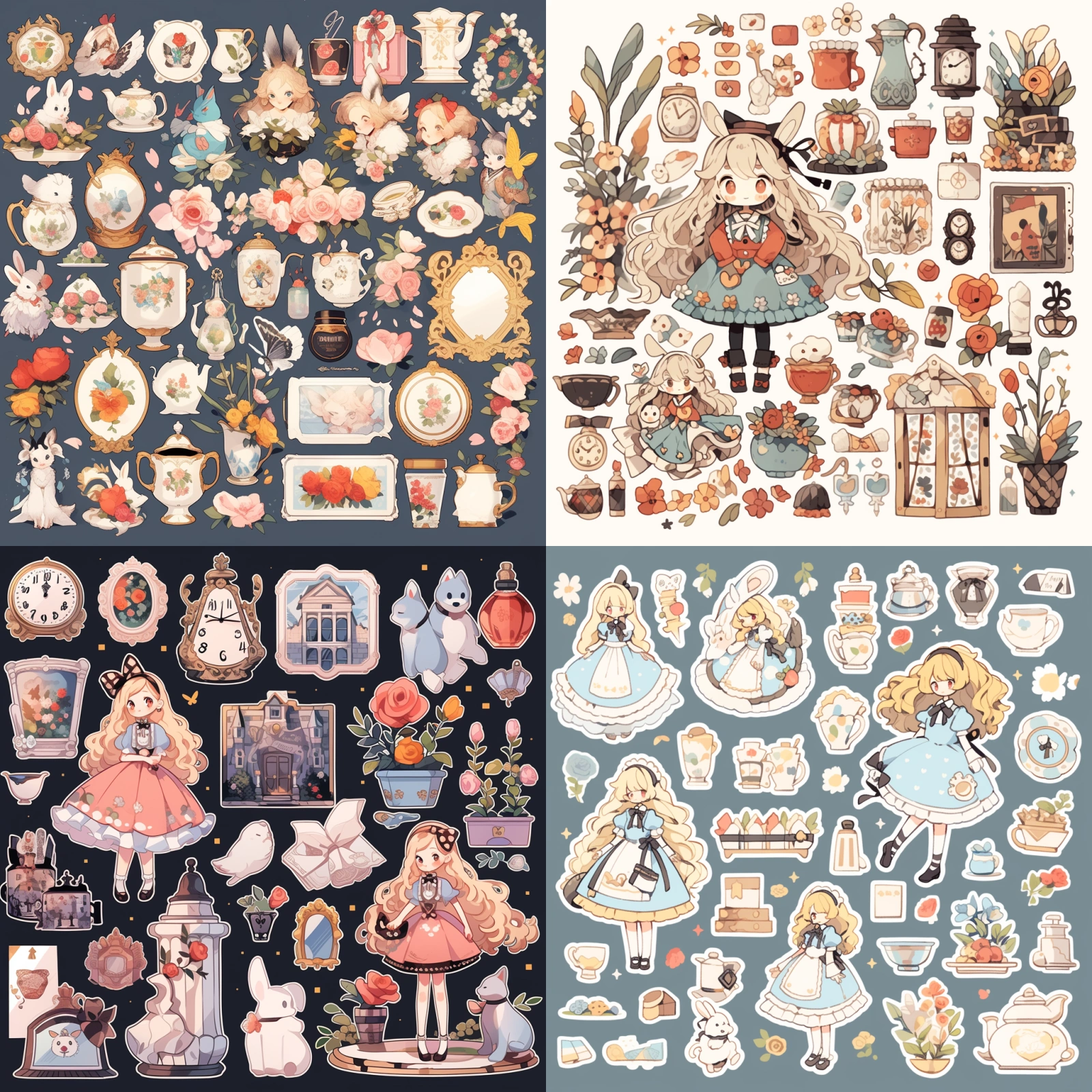
> Prompt: Alice in Wonderland sticker pack, knolling layout, with white border — ar 1:1 — niji 5 — s 180
I directly added the name of the Alice in Wonderland movie, and it not only generated the characters but also some elements from this animation.
## Christmas
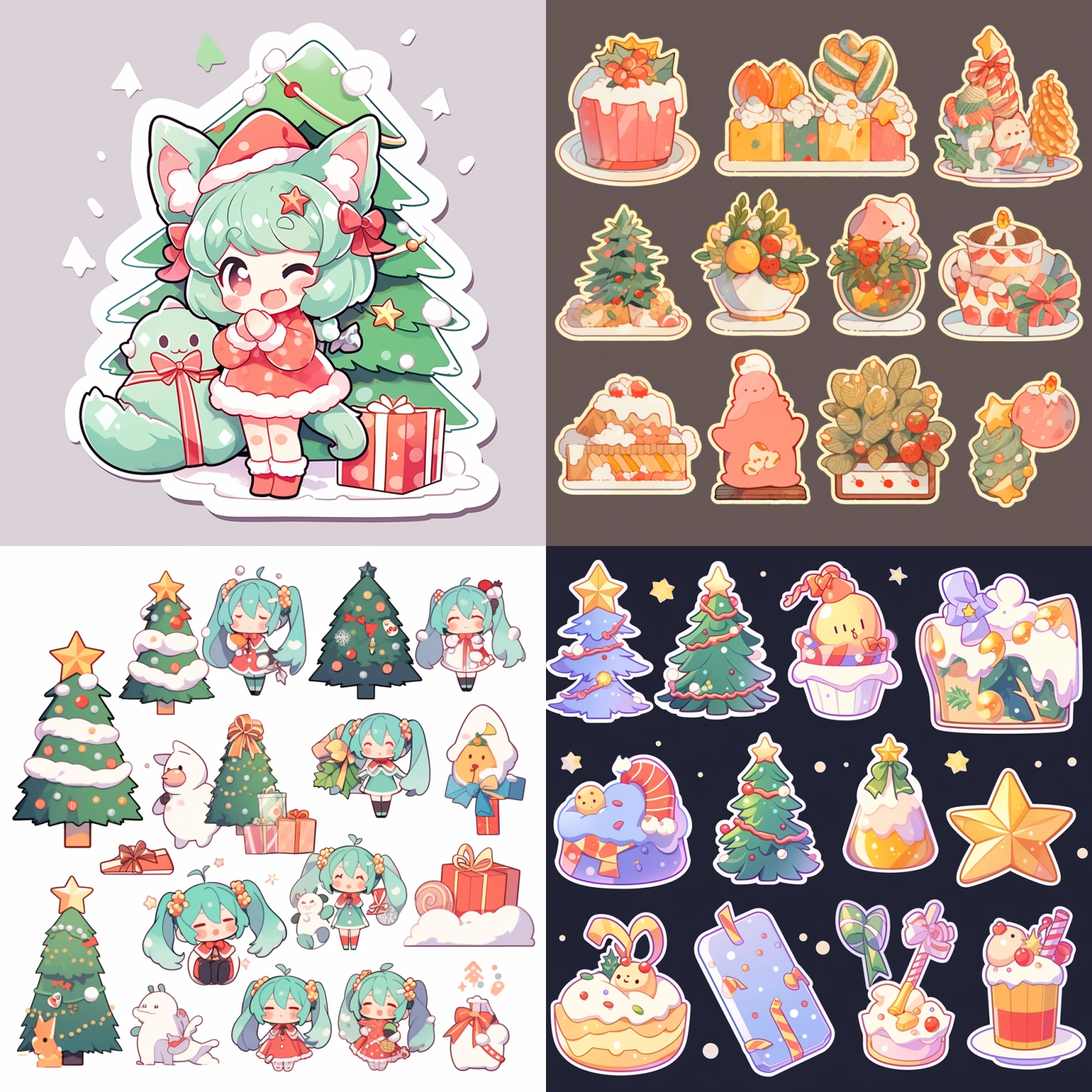
> Prompt: Christmas sticker pack, knolling layout — ar 1:1 — niji 5 — s 180
We can also add holiday descriptors, and holiday elements will appear in the image. You can try other holidays like Spring Festival, etc.
## Halloween
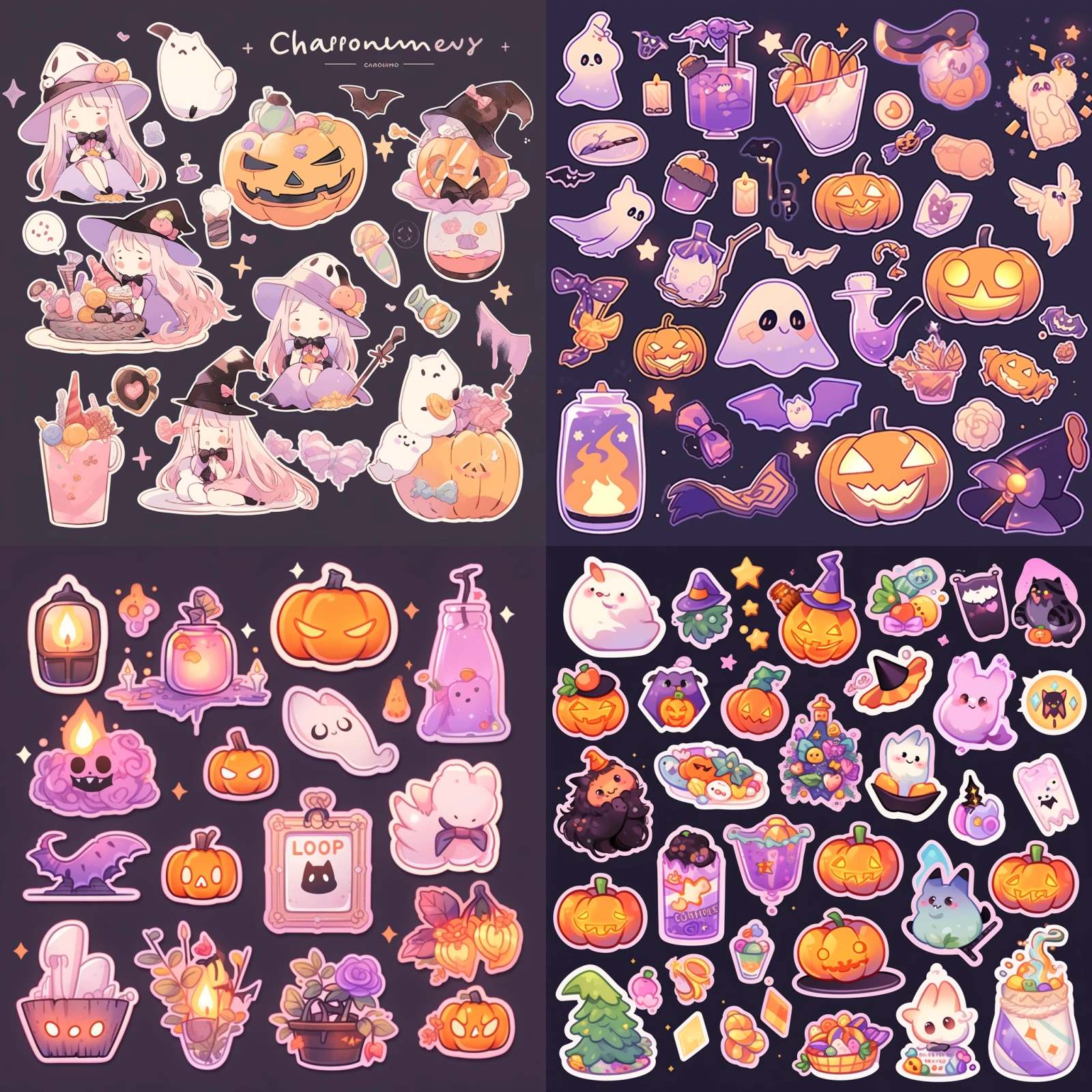
> Prompt: Halloween sticker pack, knolling layout, — ar 1:1 — niji 5 — s 180
After adding the Halloween descriptor, not only did Halloween elements appear in the image, but the overall style and color scheme of the image also became Halloween-themed.
## Plants
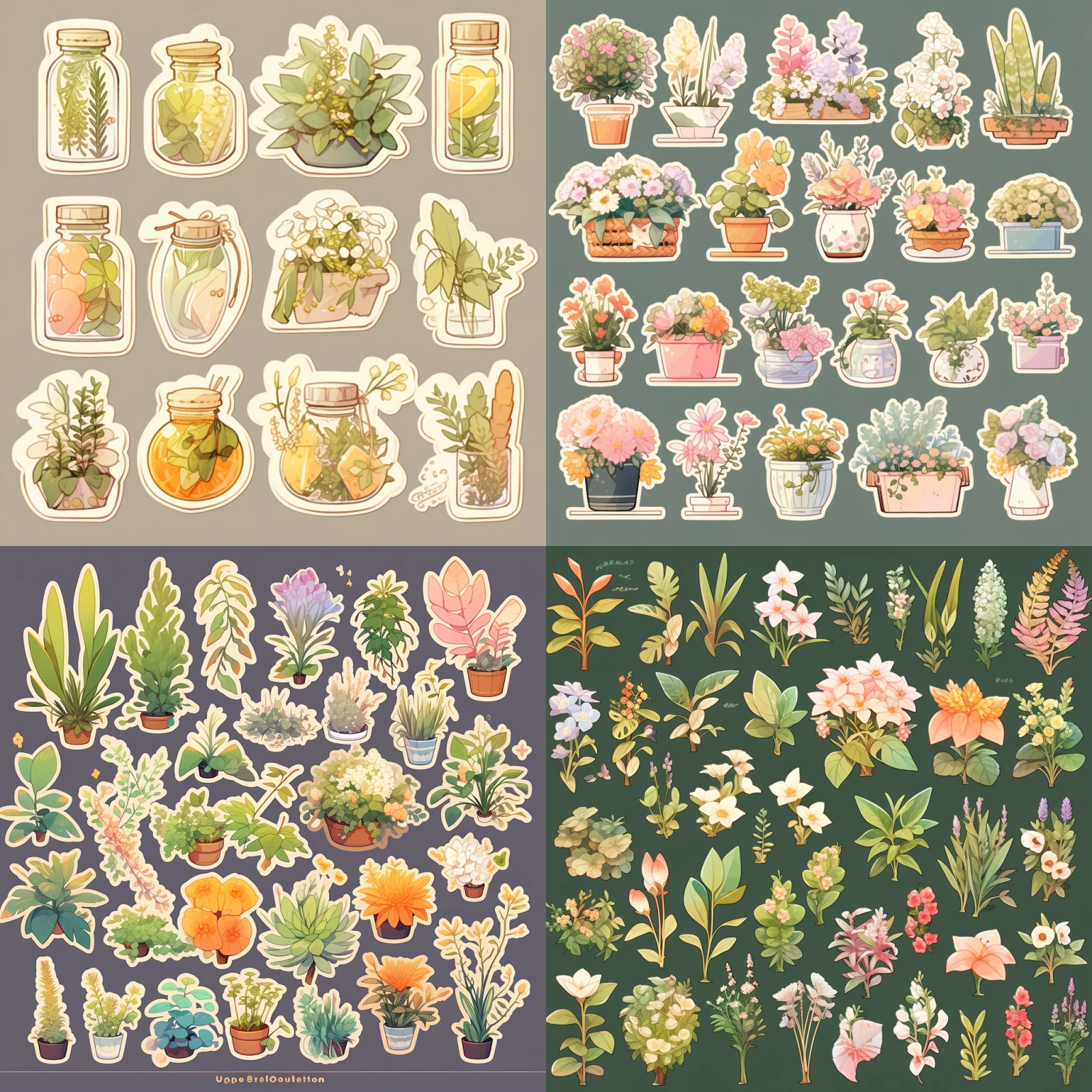
> Prompt: Botanical sticker pack, knolling layout — ar 1:1 — niji 5 — s 180
We can also generate some plant anime stickers. It will generate various plants. I didn’t add specific plant categories here, so it includes all kinds. You can also try other categories like succulents, tropical plants, etc.
##
Today’s sharing ends here. Everyone can try different style descriptor combinations, which might generate some interesting anime stickers, like combining Harry Potter with mecha. Using AI tools, we can change the style of the image at any time, and the cost of changing the image is very low. We can generate stickers of the same character in different styles to create a complete sticker series.
However, after generating the stickers, if we want to turn the generated stickers into physical products, we must separate the background and main subject of the anime sticker and generate vector files. Next, I’ll demonstrate how to convert images generated into vector original files.
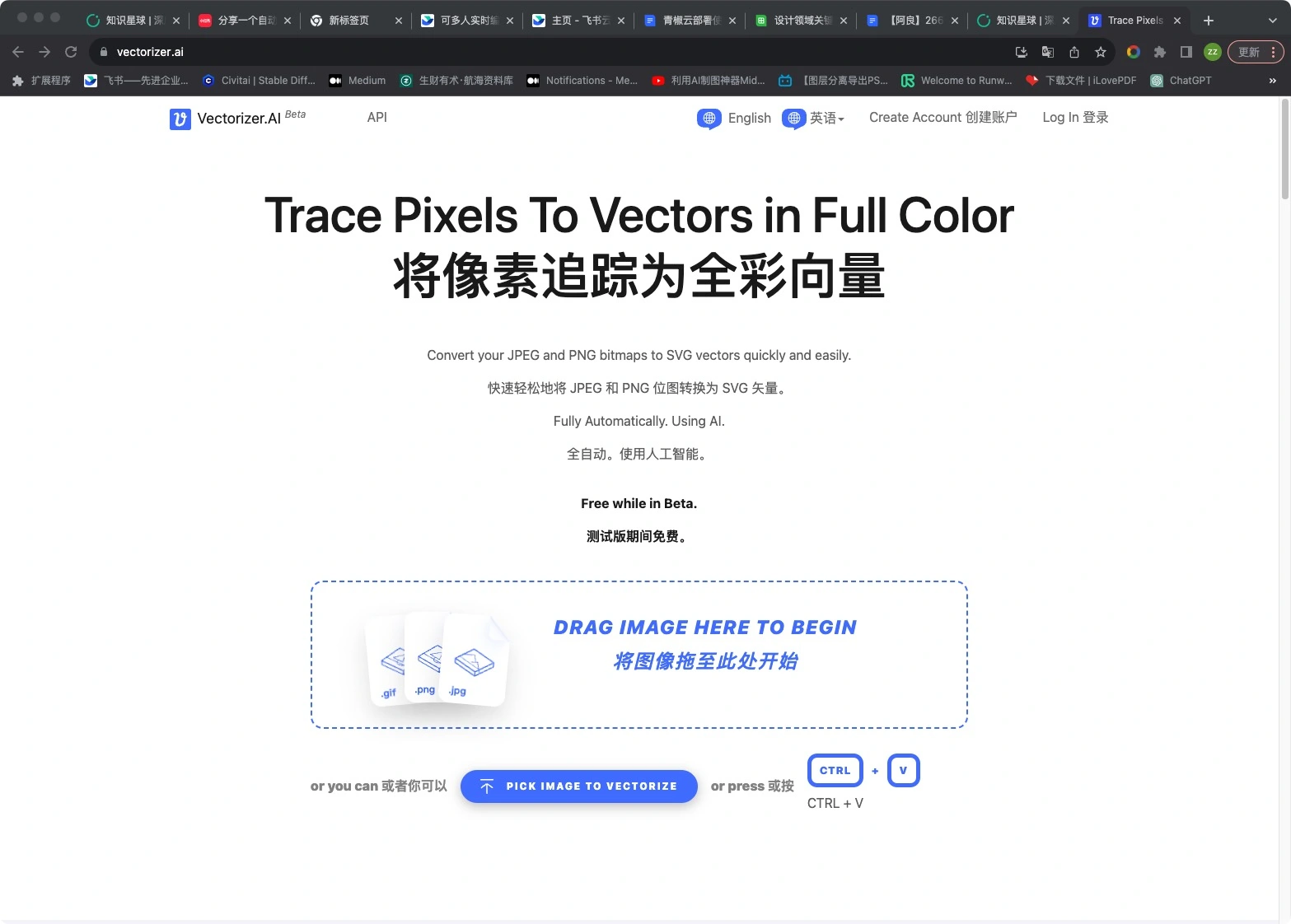
First, we open this website: https://vectorizer.ai/
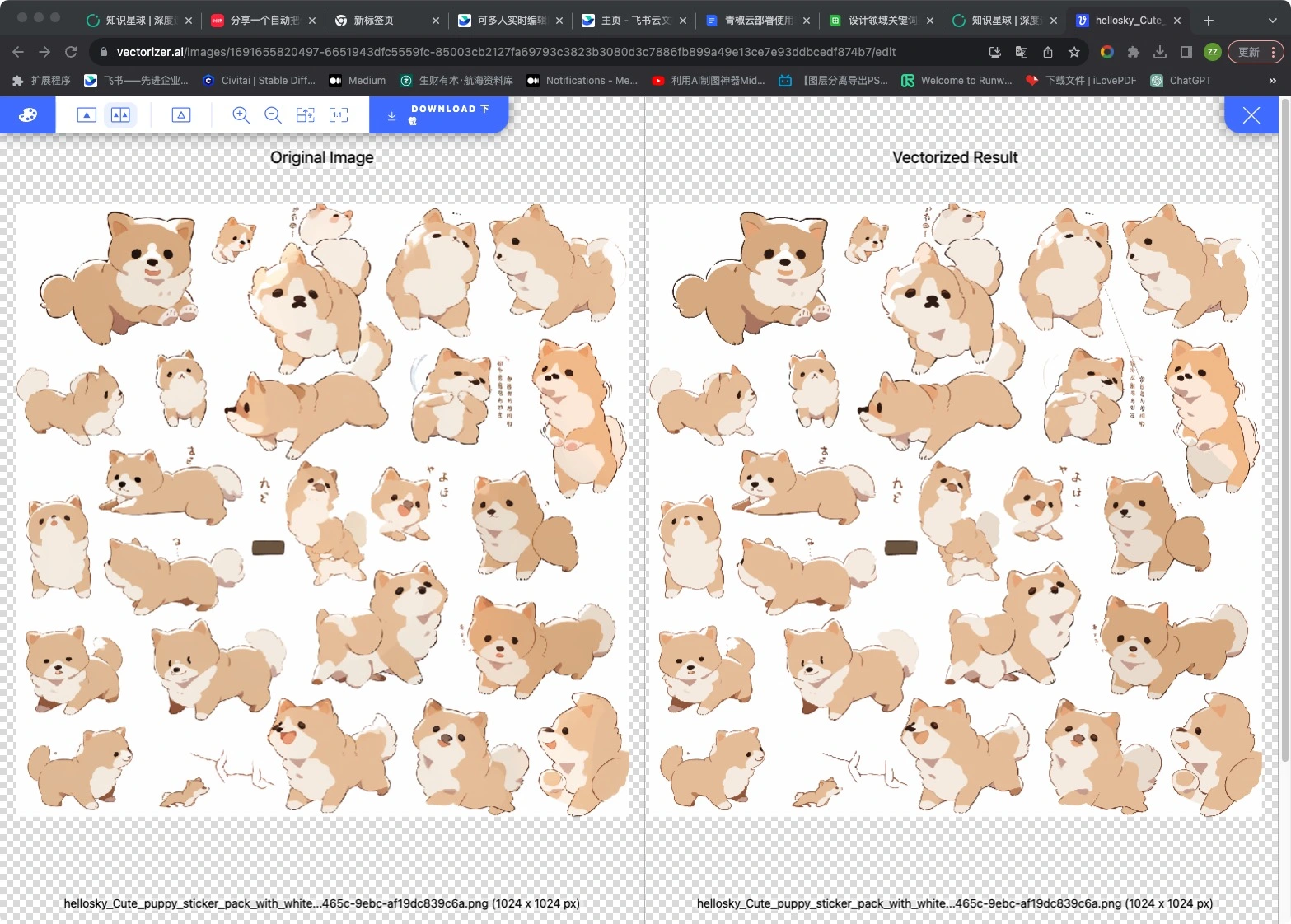
Drag and drop our generated sticker image directly into it.
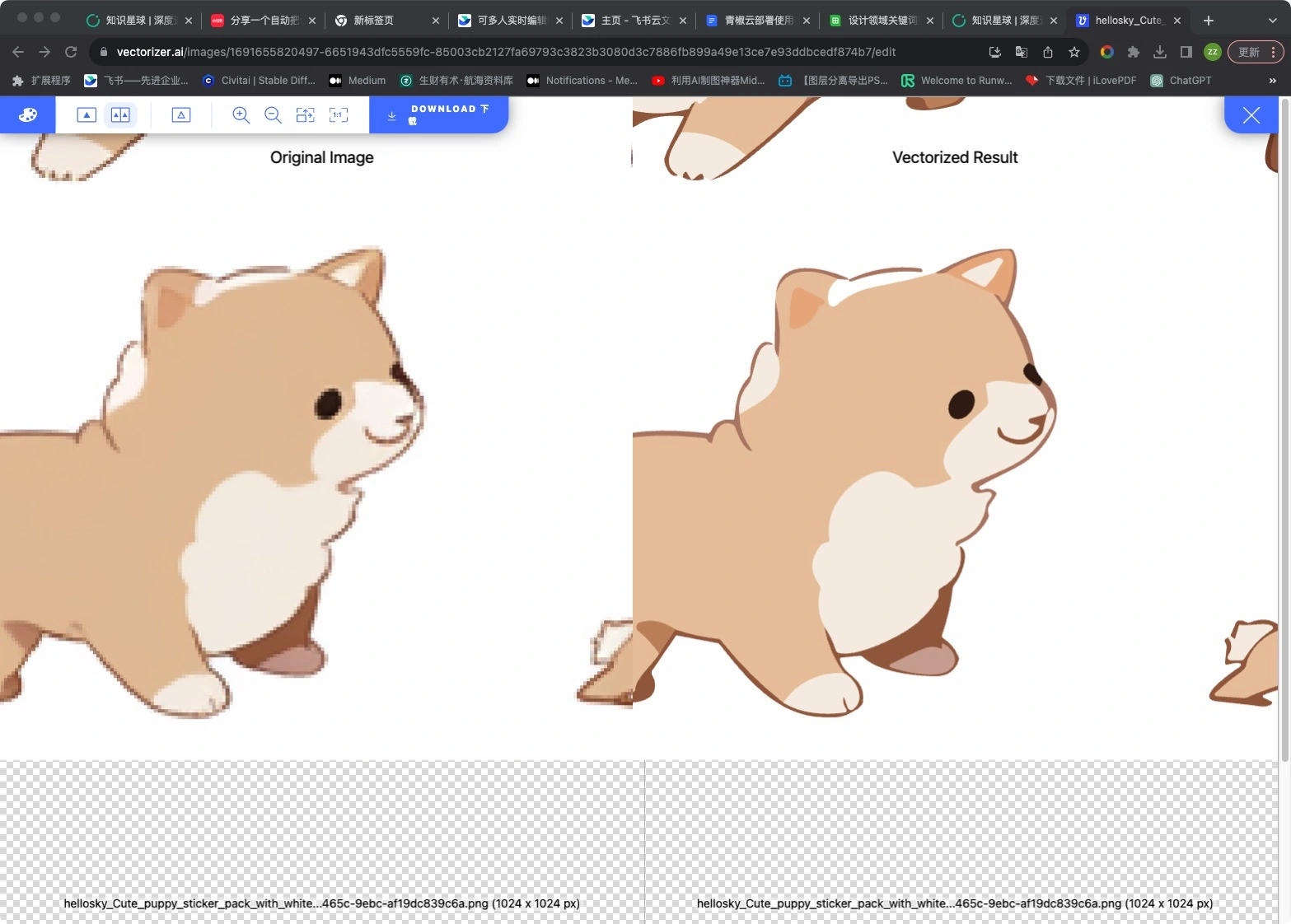
Here, it successfully converted our uploaded image into a vector file. We can see that the left side is a bitmap image that becomes blurry when enlarged, while the right side is a vector image that remains clear no matter how much we enlarge it. Then click the download button in the upper left corner to download the vector image to your computer. After some fine-tuning, we can contact manufacturers to produce physical stickers.