Hello everyone! Today, I want to share a topic about painting and design—creating a character turnaround. For illustrators and designers, creating a character turnaround is an essential skill. However, many people encounter issues during this process. Don’t worry! This article will teach you how to use AI to create a character turnaround and share some practical tips to help you easily produce beautiful character turnarounds. Let’s take a look!
Character Turnaround Display
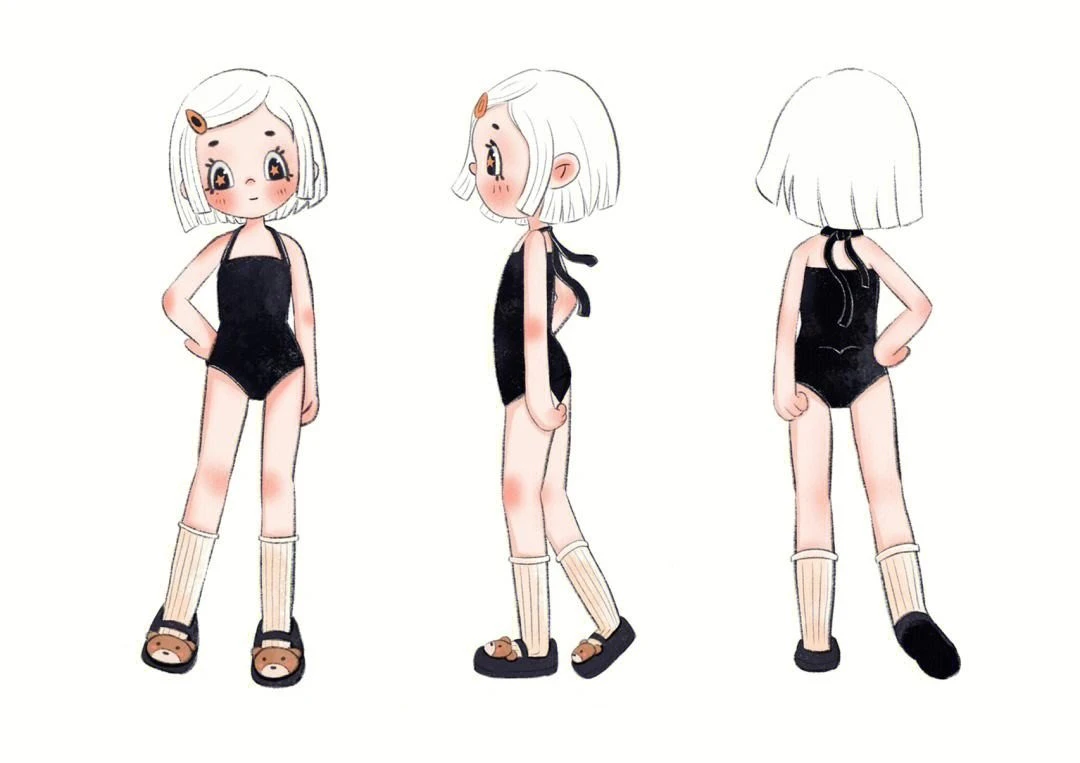
As shown above, it is unrealistic to directly generate a complete character design illustration using AI painting, but it is possible to generate simple character turnarounds with AI painting.
Generating a Character Turnaround
1. Find Character Reference Images
First, we need to find some finished character turnarounds as references before generating the desired effect.
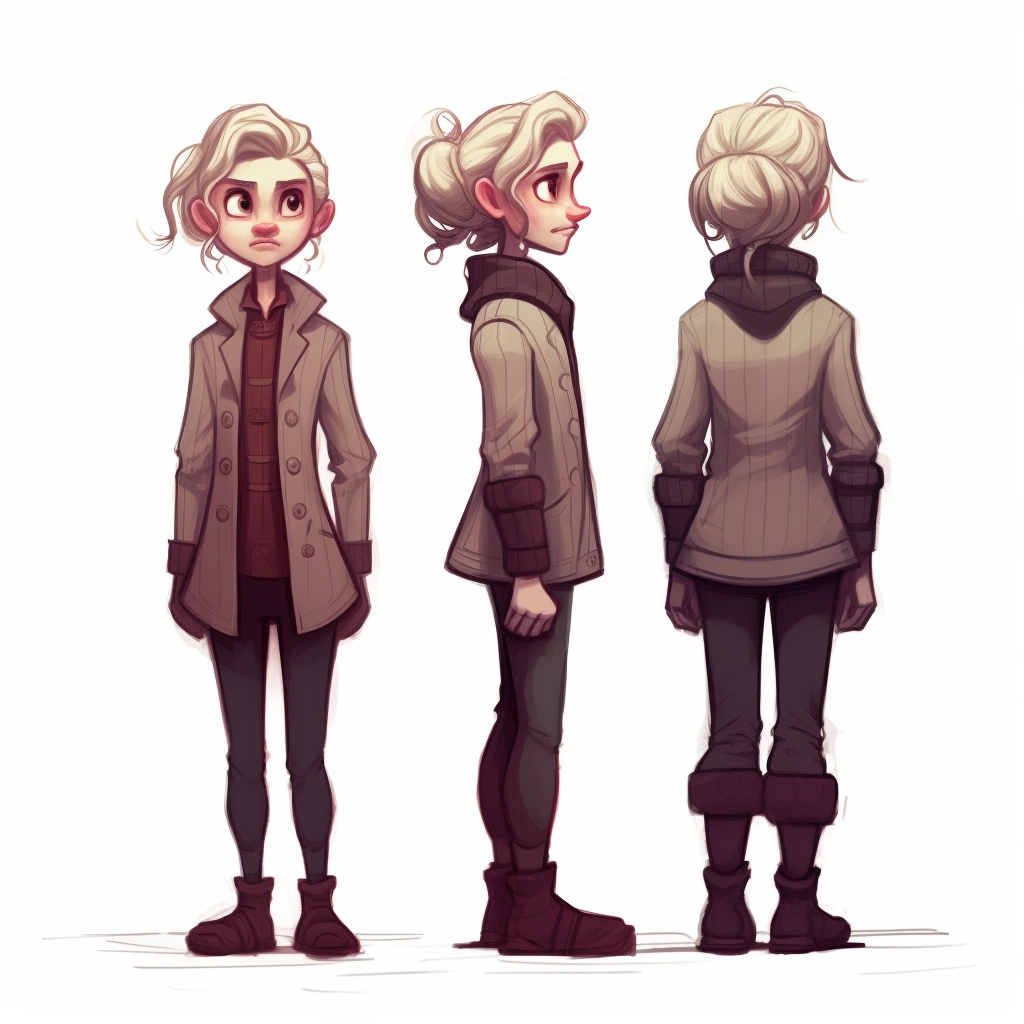
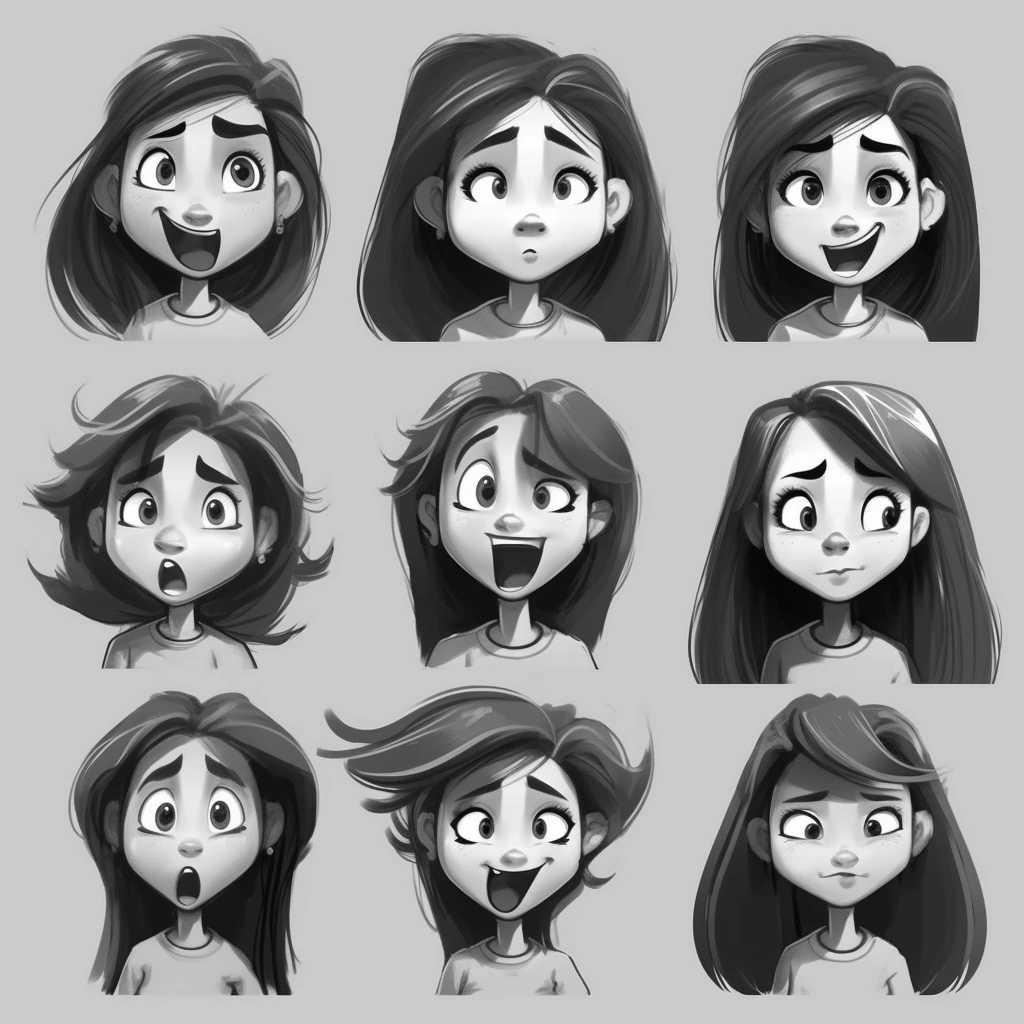
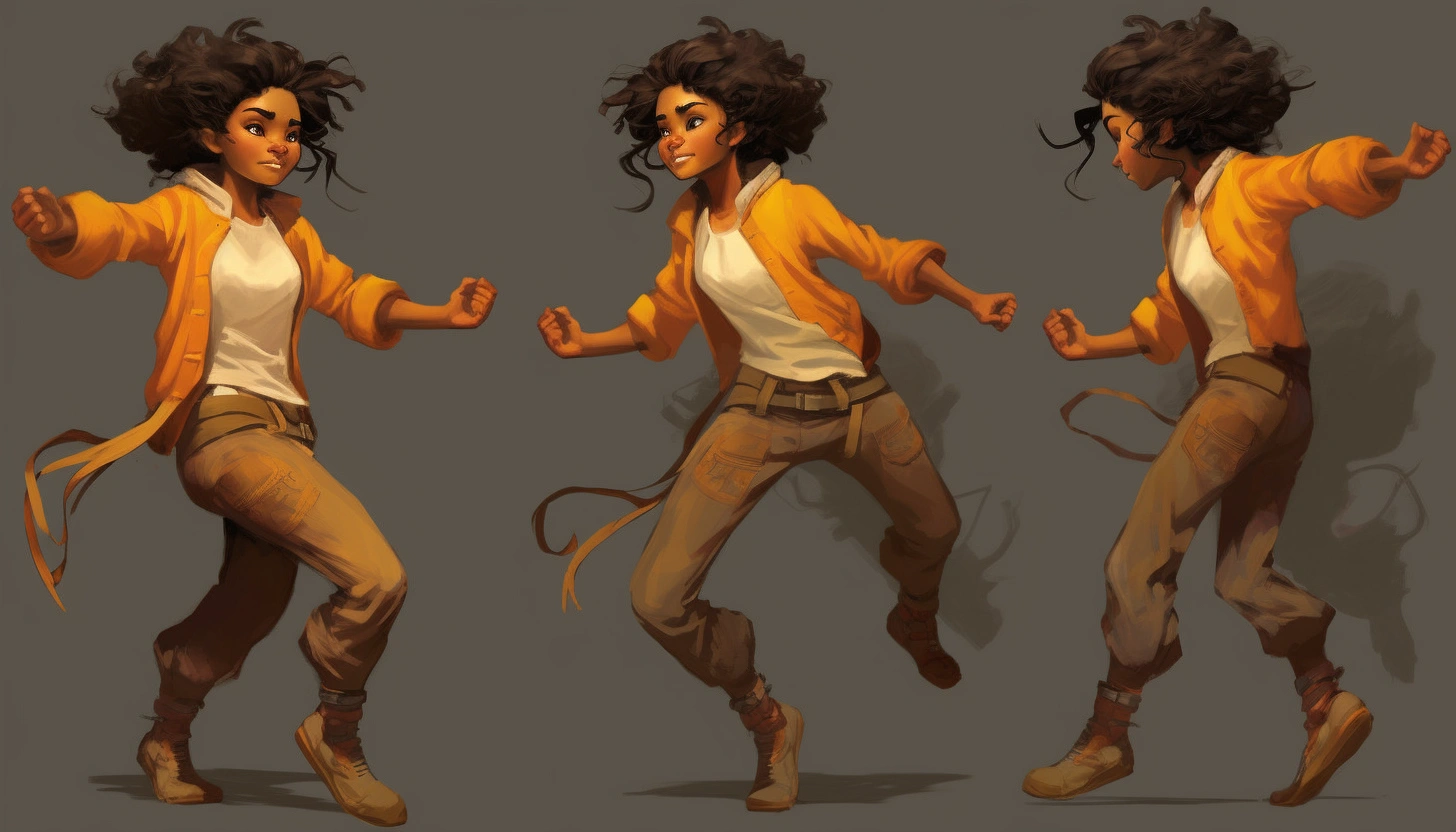
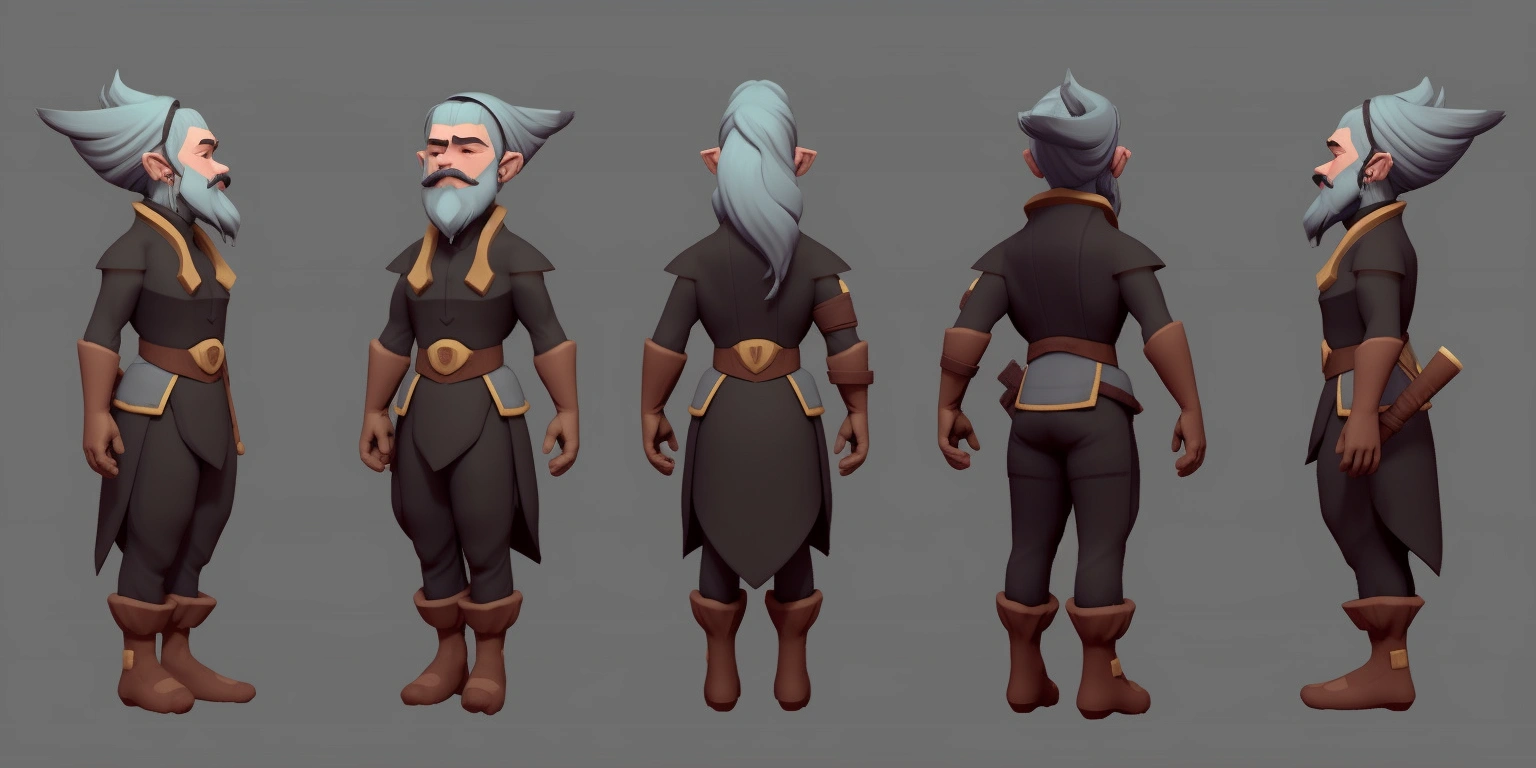
For example, character expression setting images and character pose setting images.
2. Use ControlNet Reference Preprocessor
Then import the above reference images into our ControlNet plugin.
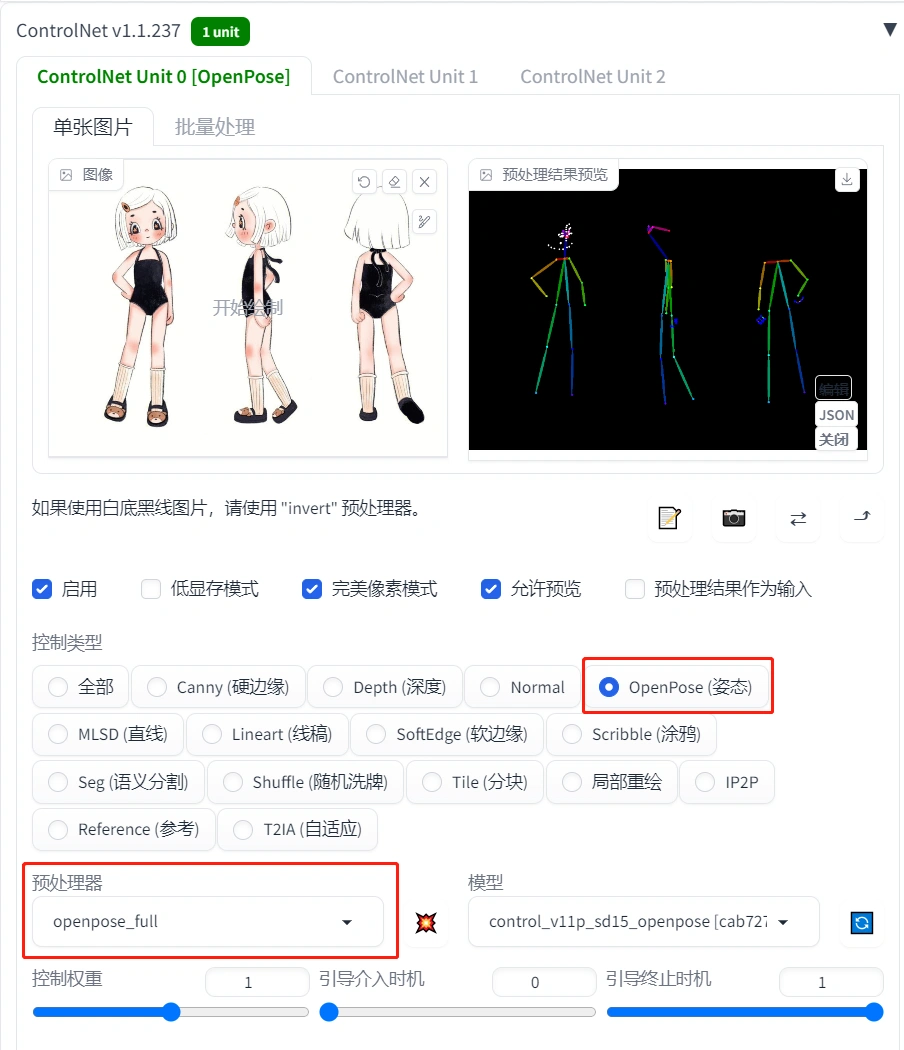
We need to select the openpose controller, and for the preprocessor, select openpose_full. This preprocessor can recognize the character’s posture, hands, and face.
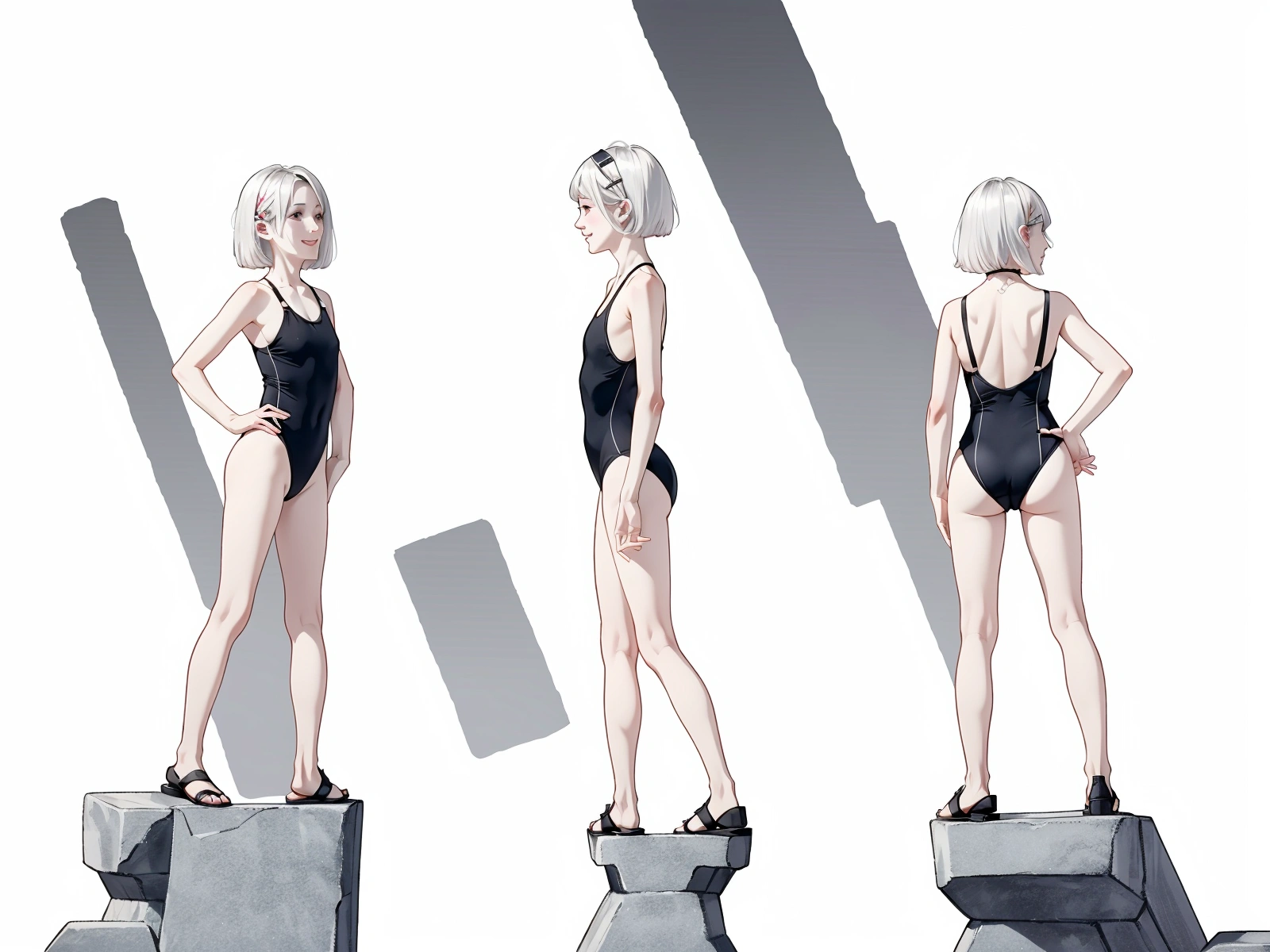
Front view prompt: 1girl, white hair, white background, simple background, short hair, sandals, multiple views, hair ornament, swimsuit, socks, black one-piece swimsuit, one-piece swimsuit, blush, hairclip, brown eyes, black footwear, smile, profile, looking at viewer, standing, flat chest, shoes, full body, black leotard, child,
Negative prompt: nsfw, lowres, bad anatomy, bad hands, text, error, missing fingers, extra digit, fewer digits, cropped, worst quality, low quality, normal quality, jpeg artifacts, signature, watermark, username, blurry, nsfw, paintings, sketches, worst quality:2, low quality:2, normal quality:2, lowres, EasyNegative,
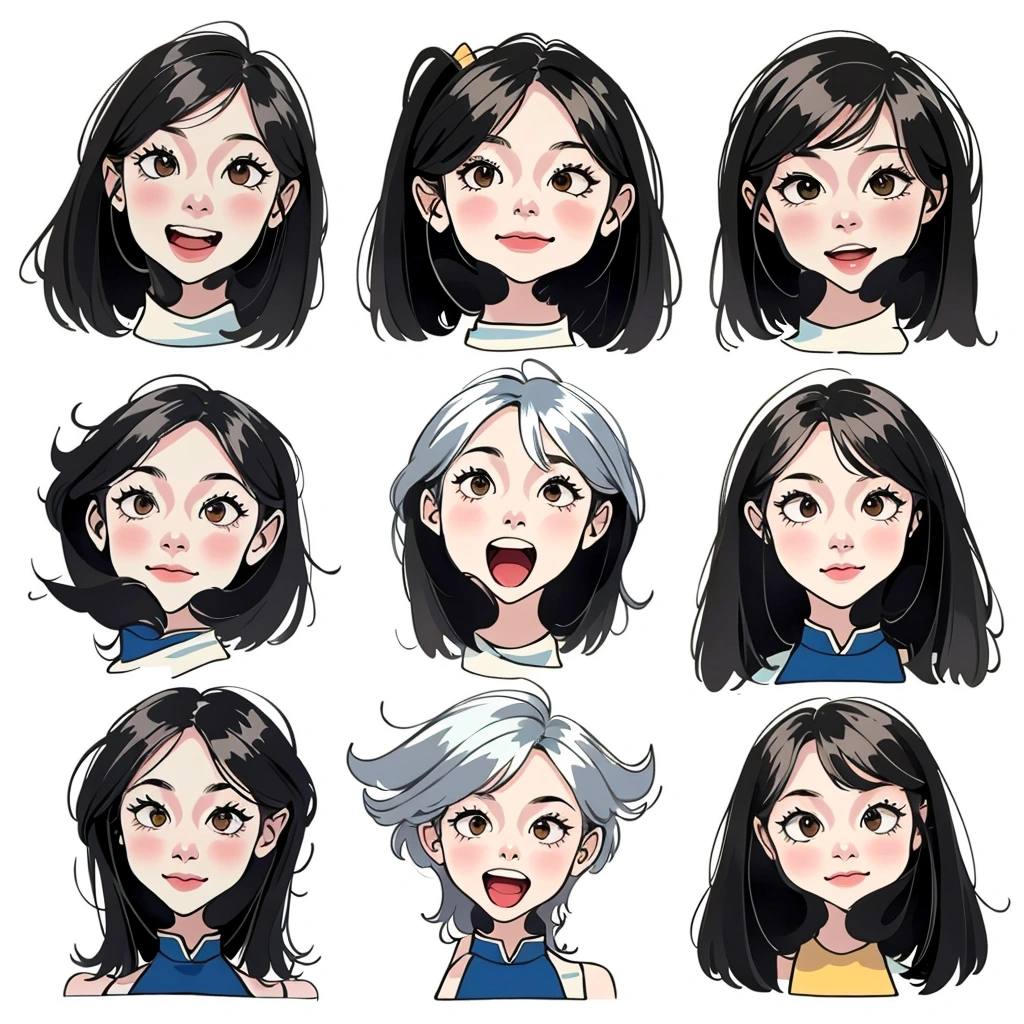
We can get the desired character turnaround by changing the prompts. Gender, ethnicity, hairstyle, and body type can all be adjusted, which is very convenient.
Character Turnaround
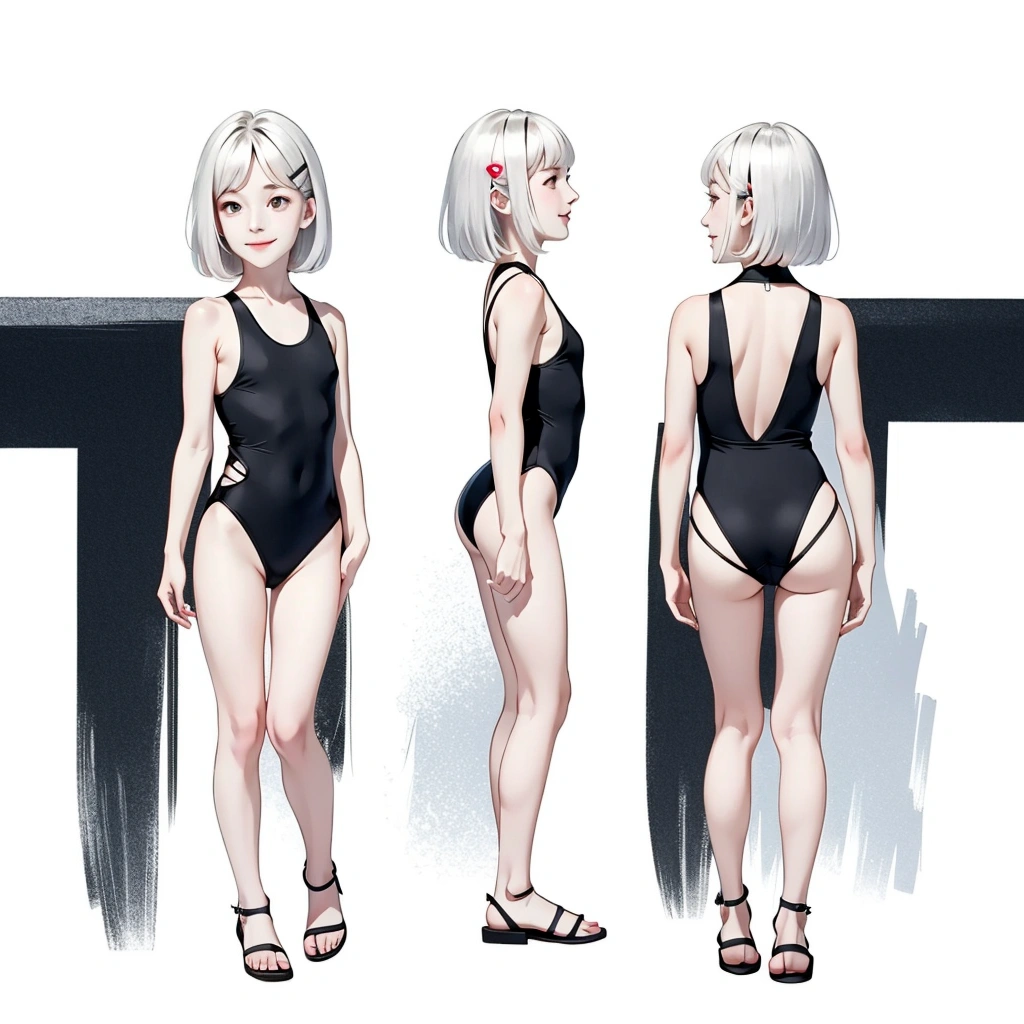
Five-View Character
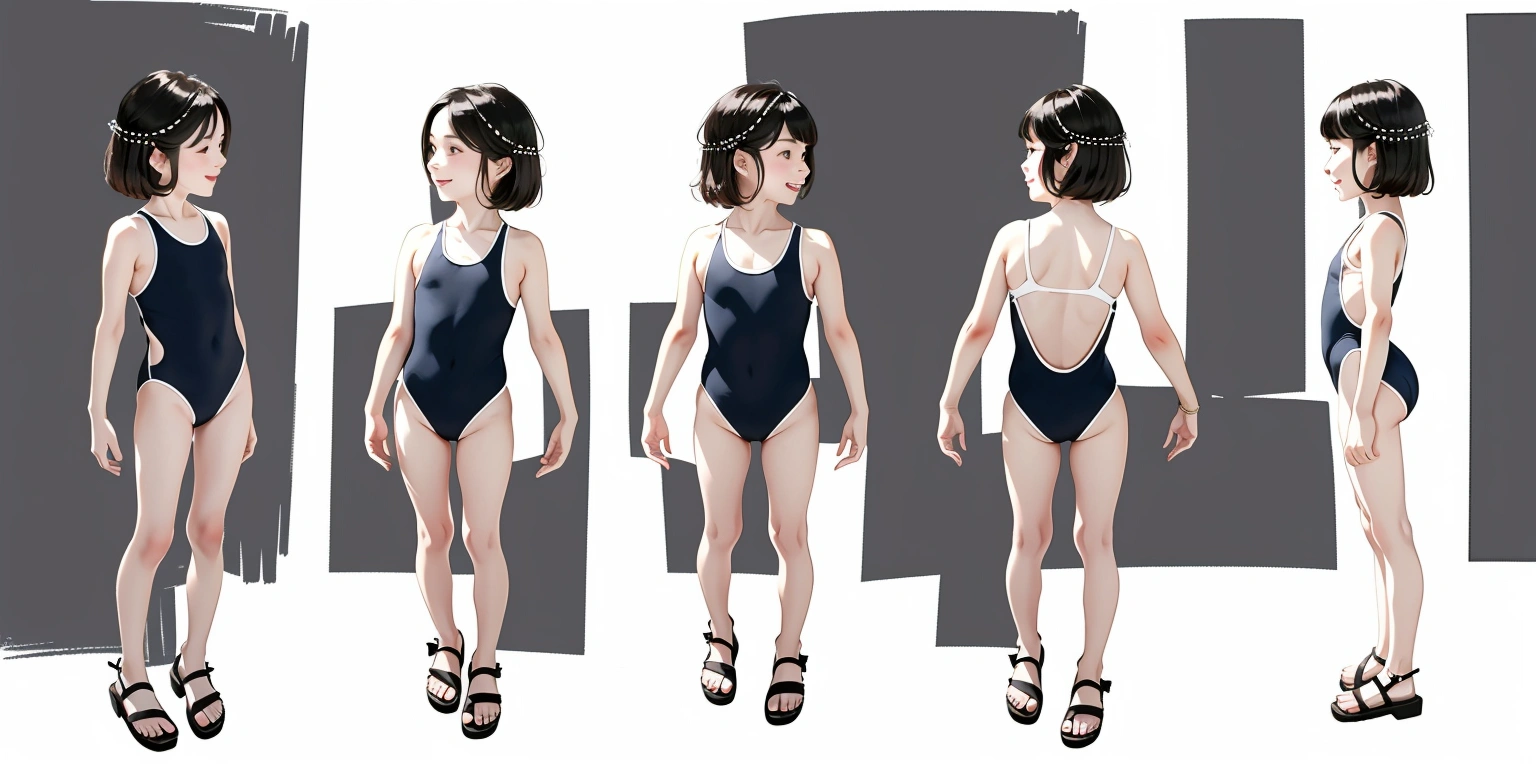
Character Action Diagram
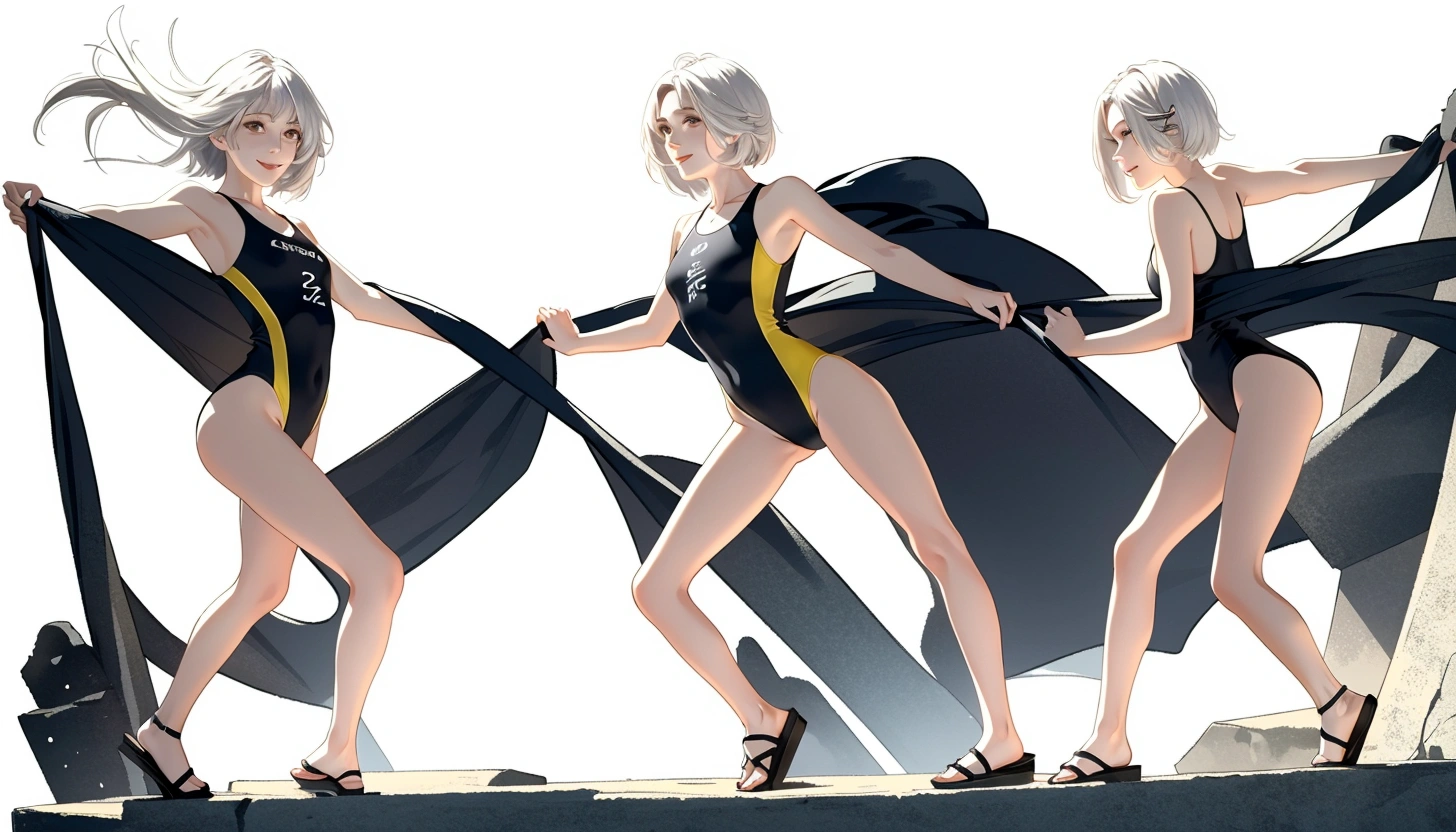
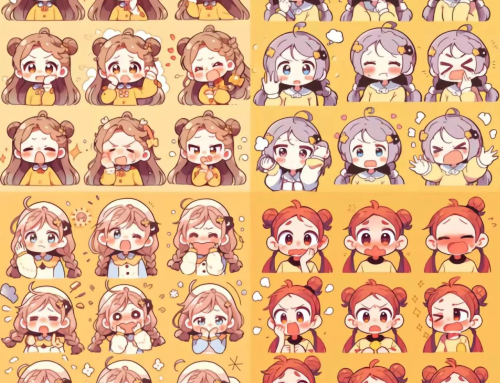
Character Expression Diagram
Summary
Using AI to create character illustrations has obvious advantages and disadvantages. The advantages include quick generation, diversity and customization, creative inspiration, and improved efficiency and accuracy. AI can quickly generate character illustrations, saving time and effort. It can be customized according to needs and provide creative inspiration for designers. At the same time, AI’s automation can reduce the workload of designers and improve the accuracy of designs. However, the disadvantages of AI include a lack of creativity and emotional expression, and it cannot completely replace the creativity of designers. Using AI also requires certain technical and data support, which may require additional learning and resource investment for designers unfamiliar with AI. Additionally, ethical and moral issues need to be considered. Therefore, designers need to weigh the pros and cons when using AI to create character illustrations and make decisions based on their own needs and values.